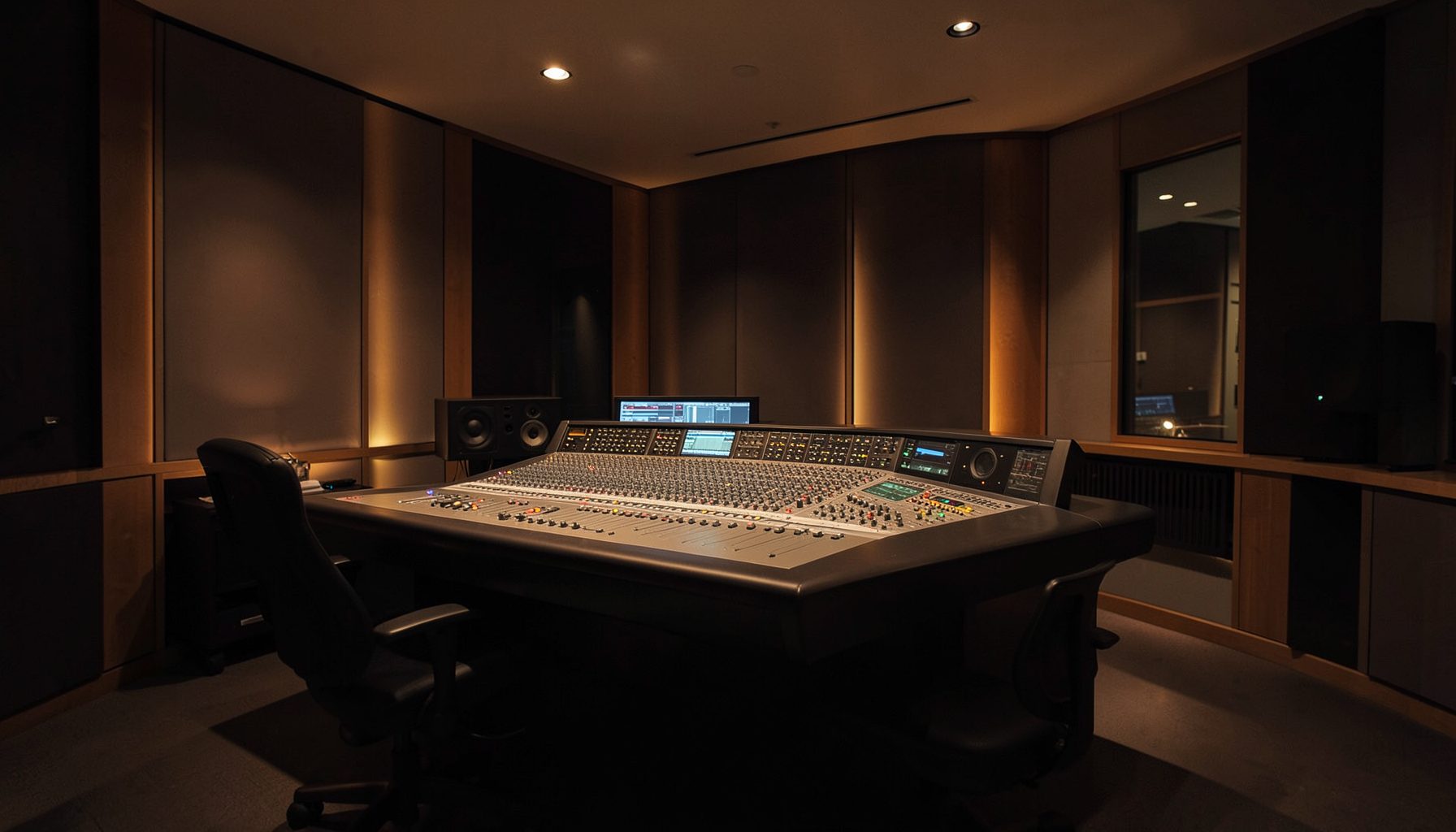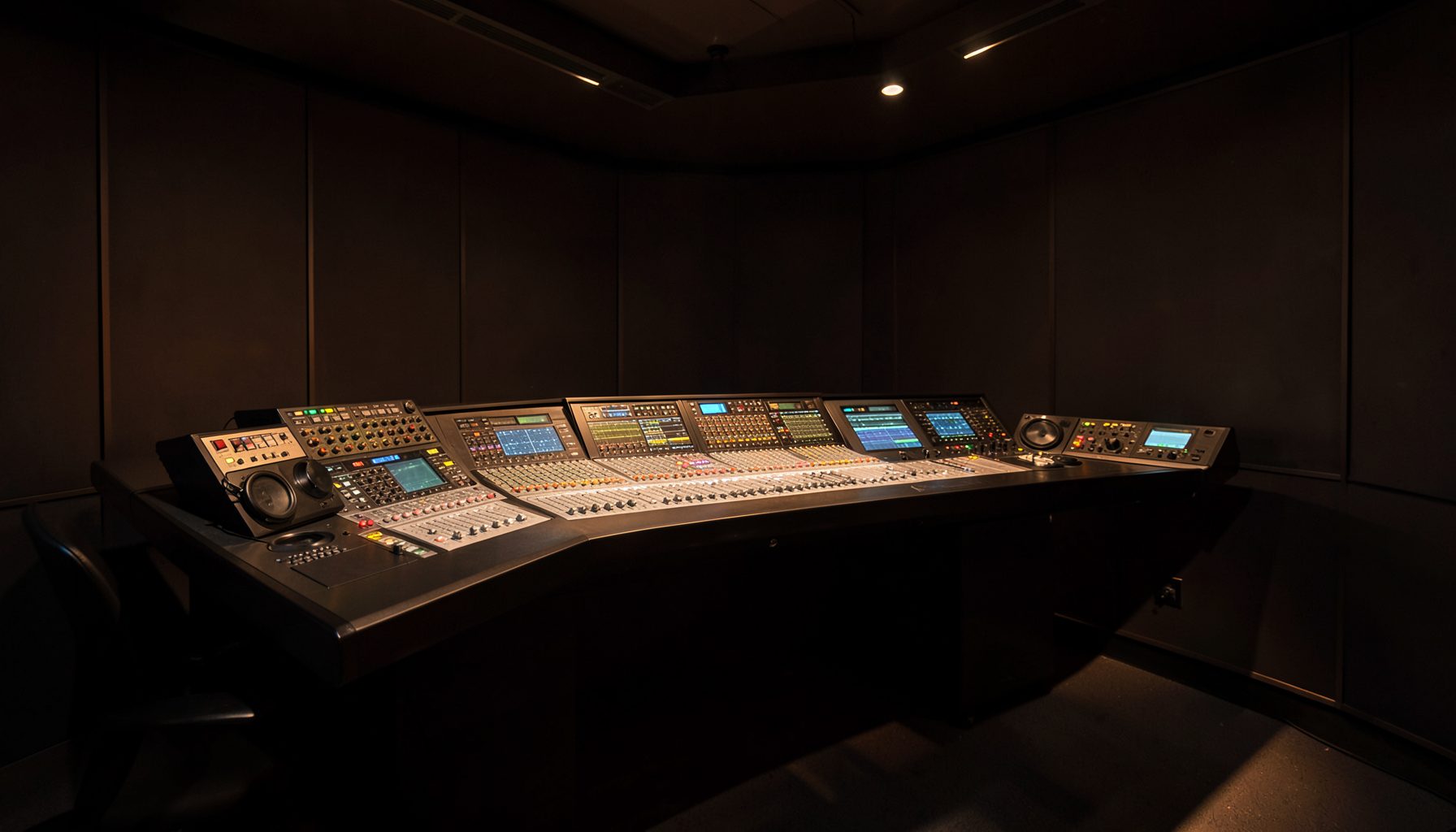
Designing reporter control with VisTool panels on tablets
A live newsroom rarely fails because a console lacks another button. It fails when an operator hunts through menus, cannot identify a live remote feed, or loses control of a microphone as a report moves from field to studio. A focused VisTool panel turns a tablet into a control surface for reporter feeds, talkback and monitoring, while the main console remains the authoritative production position.
In Australia, this is practical. Sydney, Melbourne and Brisbane newsrooms support dense commercial schedules, while regional stations often connect reporters over long distances with fewer dedicated technical staff. Multiple time zones complicate networked shows. The workflow must remain clear at a busy drive-time desk, survive an imperfect mobile connection and never take essential functions off the primary console.
Define what reporters can control
Start with an access matrix, not a button list. Separate what a reporter may monitor from what a producer may route and an engineer may adjust. Use large, labelled controls for listen, talkback, source identification and return feeds. Smaller controls can handle occasional actions, but destructive commands should require confirmation.
Every panel state should show which reporter is connected, whether the feed is on air, who can hear the operator, and what happens if talkback is pressed accidentally. Do not rely on colour alone; pair indicators with text or symbols for bright studios and glare. Keep any emergency or all-mute control fixed, separate and reachable without scrolling.
The sequence should be predictable: receive the report, check the feed, open the microphone under producer control, cue the reporter, and return to the programme mix. Save that sequence by programme or shift rather than rebuilding it live. When a reporter also works from a studio desk, use the tablet for monitoring and cues, not as an undocumented alternative to the hardware console.
Design panels around decisions
Design around decisions, not equipment. A fixed header can show the programme, clock, talkback state and connection warning. Below it, give each reporter a block with name, source, mic status, level indication and talk control. Keep programme return and intercom controls separate so operators cannot confuse hearing the studio with putting a reporter on air. VisTool Studio can align panels with desk roles.
Meters need detail for engineers without crowding presenters. Engineers can adapt custom meter layouts to the relevant channels and console scales. On a tablet, confirm that indicators remain legible at arm’s length and that one glance reveals clipping or a failed return. Keep diagnostic views behind a separate profile or screen.
Build for touch without assuming it is always ideal. Use generous spacing, high contrast and immediate feedback, with no tiny drag targets. A mounted tablet can handle routine switching, while a handheld one suits a producer moving between studio floor and gallery. Role-based layouts reveal controls differently, reducing accidental actions as crews change.
Make distributed control dependable
Distributed control depends on predictable network behaviour, not peak wireless speed. Follow the console’s supported architecture, secure control traffic, and prioritise the production desk over guest devices. For a Melbourne studio receiving a report from regional Victoria, a wired console link and monitored tablet connection are safer than a public hotspot. The same principle applies to temporary venues.
Treat each tablet as production equipment. Use managed devices where possible, enforce screen locks and strong authentication, and control who may change panels. Keep chargers, a spare tablet and a documented fallback at the desk. A printed control card is inexpensive insurance when authentication, wireless coverage or panel software fails.
Test under interruption, not only ideal conditions. Interrupt Wi-Fi, lock a tablet and simulate a late feed in rehearsal. Compare the sequence with workflow reference material while mapping expected states and recovery steps. Record who speaks, which cue appears and when the console takes priority, creating a shared language across technical and editorial staff.
Keep the workflow compliant and calm
Australian broadcasting adds formal responsibilities. ACMA regulates services under the Broadcasting Act 1992, and stations must follow licence conditions and approved procedures. A reporter-control panel may touch emergency or priority systems only through an authorised process. It should not bypass studio interlocks or let an unverified user seize a feed merely because their device is connected.
Editors must account for the Privacy Act 1988 and applicable state or territory defamation laws when material is recorded, replayed or displayed. Hide subscriber details, legal identifiers and unredacted caller information by default; avoid leaving sensitive scripts or contact lists on an unattended tablet. These controls support editorial checks but do not replace legal advice or producer approval.
The workflow should reflect local habits, where a commuter may hear a bulletin on a phone or in a taxi and react before the studio finishes speaking. During a suitable multi-microphone session, Lawo AutoMix can manage levels automatically and reduce gain-riding for routine voices. Keep editorial cues and sensitive interviews under manual control, because consistent levels do not decide what reaches listeners.
Choose the right control balance
Control surfaces should match how operators work. A fixed console suits critical switching, a touchscreen supports custom views, and a tablet offers mobility with added device-management risk. The best balance depends on whether the user remains at the desk, moves through the studio or works at a live remote.
| Control approach | Main advantage | Main limitation | Best use |
|---|---|---|---|
| Ruby console with hardware panels | Tactile feedback and familiar control | Fixed position and limited layout flexibility | Primary live production |
| Fixed VisTool touchscreen | Custom views without extra console hardware | Screen, power and configuration dependency | Studio desk and diagnostics |
| Tablet VisTool panel | Portable, role-specific control | Wireless, battery and device-management risks | Producer cues and roaming operation |
| Tablet-only live control | Rapid deployment and remote access | Least resilient fallback and greatest workflow drift | Supervised or non-critical duties |
A hybrid arrangement usually serves a busy newsroom best: Ruby remains the source of truth, a fixed panel handles complex production, and tablet VisTool views carry talkback and reporter cues. Pilot it with one morning programme in Sydney and one regional shift before extending it across a network. Compare recovery time, accidental actions and workload rather than counting screens.
The practical takeaway is to make the tablet a disciplined extension of the studio: every control has a role, every state is visible, every action has a safe fallback, and the console retains authority. Reporter control becomes portable without making the newsroom dependent on a fragile device.