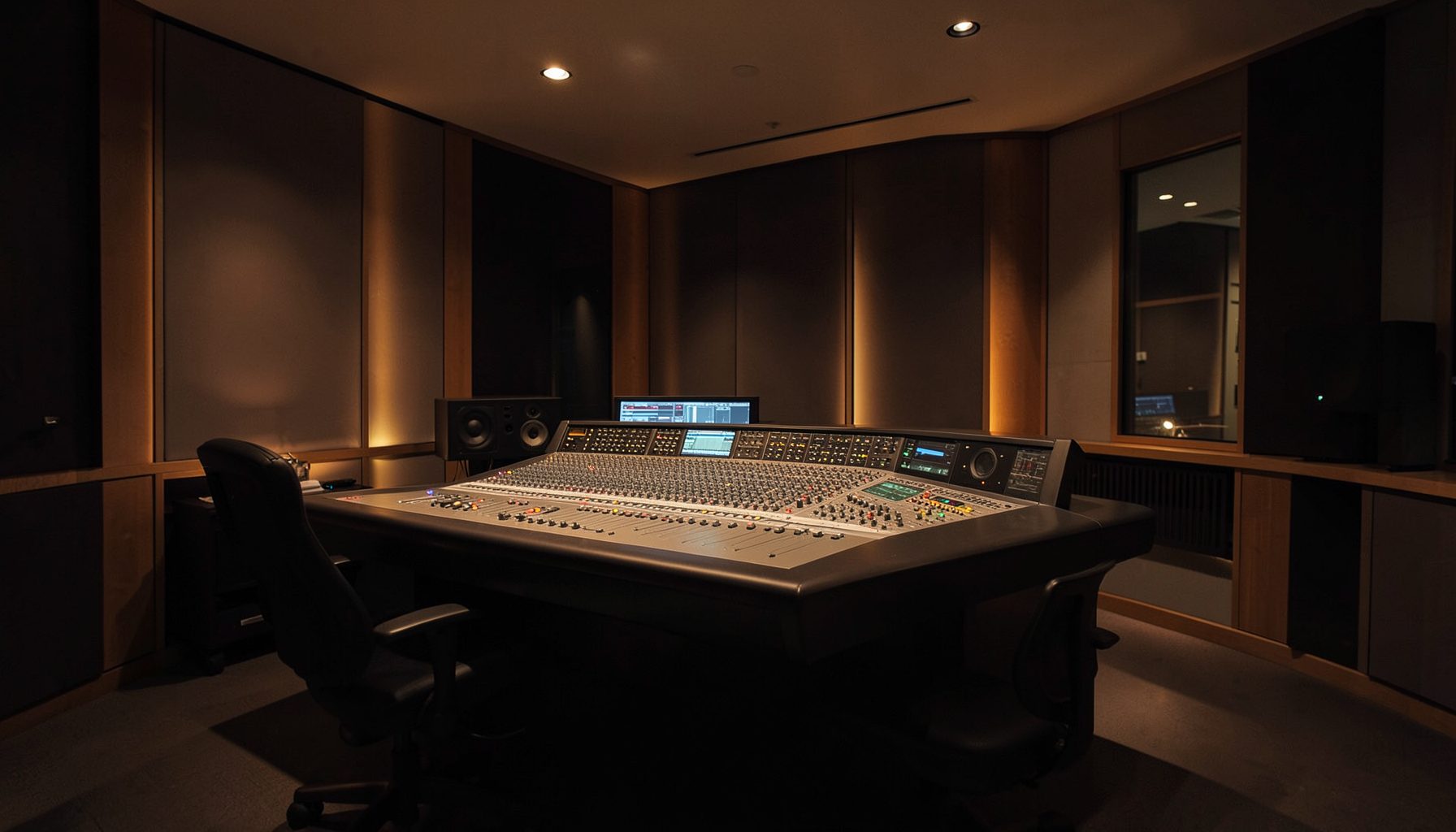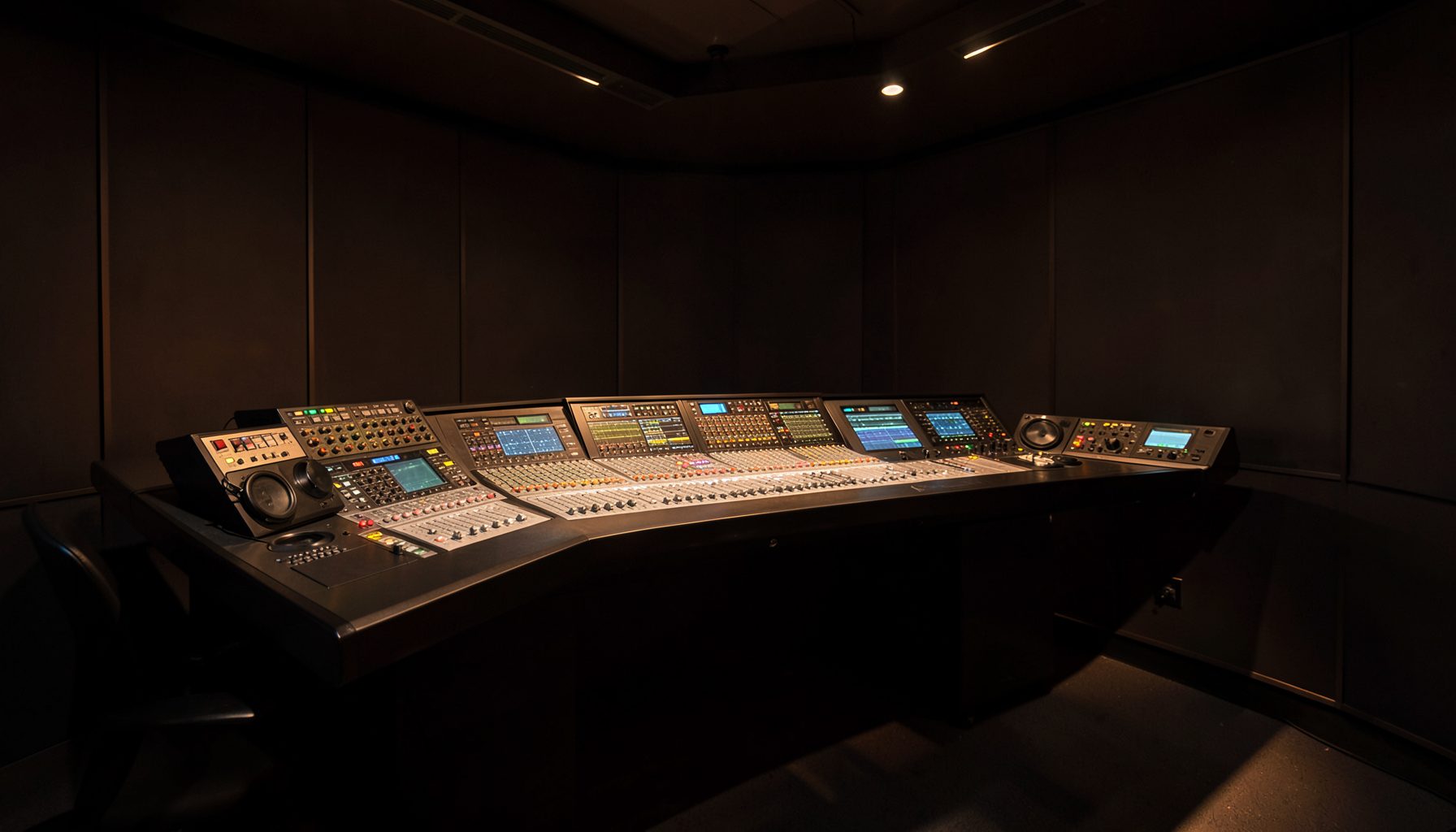
Configuring Ruby User Buttons for Toggle Mute on Guest Feeds
Ruby’s user-defined buttons (UDBs) can place a latched mute control for each guest channel directly on the console. Rather than hunt for a small key during a live crossover, the producer presses a labelled button and the feed changes state.
A momentary action mutes only while held; a toggle retains its state, so the next press restores it. This distinction makes UDBs effective for guest feeds, particularly when a show juggles local microphones, callers and remote contributors.
The need is familiar across Australia: a Sydney talk show may take a reporter in Canberra, a Melbourne panel session may use several feeds, and volunteer-run stations in Perth often share one compact studio. Australian crews also commonly call the illuminated warning an OI or on-air light.
Before programming controls, map what must disappear and what must remain. Talkback, cue feeds and mix-minus paths may depend on the same guest channel, so a successful programme mute does not automatically isolate that feed from every route.
Define the signal and mute behaviour
List each guest feed by channel number and source type: local microphone, telephone hybrid, codec return or contribution feed from another studio. Give it a plain name that matches the rundown and labels beside the physical buttons.
Then define the mute boundary. Usually it removes the guest’s programme contribution while retaining a source meter for the operator. Decide separately whether the channel must remain in talkback or mix-minus; removing it from both may leave a remote guest unable to hear the host.
Plan a clear button layout
Use a dedicated UDB for each independent feed. Label it consistently, for example GF1 Mute, and keep the button order aligned with channel order. Grouping is appropriate only when several feeds must always change together.
Colour can reinforce the state but should not be the only cue. Red for muted and green for open is easy to recognise on a stage-lit panel, while the OI or red on-air light remains the authoritative warning for people away from the desk.
Configure the programmable controls
Open the UDB assignment view in Ruby’s console configuration and select an unused button. Choose the channel mute function, set it to toggle rather than momentary operation and select the matching guest channel as the destination. The target matters: a general mute assignment without a clear destination can silence more of the desk than intended.
Repeat the assignment for every feed, using the same naming convention. If the installed Ruby release supports a grouped target, use it only for feeds that share one operational state; separate buttons otherwise make accidental changes easier to spot.
Save the console profile and record the Ruby software version. Studios that load show files or operator presets should keep a backup, because a valid routing and button setup can otherwise be overwritten during a busy setup change.
Verify routing and audible behaviour
Test with real sources rather than only a test tone. Speak into every microphone, play a codec return and listen at the programme output, cue output and recording feed. Confirm that a muted feed is absent and an unmuted feed returns at the intended level.
| Consideration | Toggle mute on a guest feed | Momentary mute |
|---|---|---|
| State | Latched until the next press | Active only while held |
| Production use | Fast, repeatable producer action | Short speech interruption or push-to-talk |
| Main risk | A stale target mutes the wrong feed | A missed or delayed press leaves the feed open |
A button can look active while its source remains live downstream, especially where another feed is derived from the same source. Recording a short test with programme and talkback exposes those leaks more reliably than watching the console.
Check talkback and cue routes
Talkback requires a deliberate choice. The producer may need to address a muted guest privately, but the public mix-minus should not accidentally contain that microphone. Verify the source point of each send and whether the channel mute affects it, then document any exception.
For larger panels, Lawo AutoMix uses automatic microphone mixing to ease the operator burden by keeping unused microphones out of the mix. It complements a programmed mute: level control manages speech presence, while the UDB provides an explicit producer decision.
Weigh manual control against automatic mixing
A hard mute is immediate and predictable but relies on an attentive producer. Automatic control is continuous and hands-off, although it depends on sensible gain riding, sound-field behaviour and thresholds that suit the room.
In a busy Australian commercial studio, where one producer may also route a caller and play news, an explicit mute gives visible certainty. At a volunteer community station, automatic mixing may be simpler to maintain, provided regular checks confirm that quiet speakers are not being cut.
Standardise the setup for daily operation
Add the completed layout to the show file, then rehearse it at the start of each shift: mute and restore one feed, identify it on the cue monitor and confirm the OI state. Keep a printed channel map near the desk for unfamiliar operators.
The practical result is a saved Ruby profile in which every guest feed has a named, colour-coded toggle, a verified off-air state and a tested talkback and mix-minus path.