Dynamic source labels for Ruby console screens
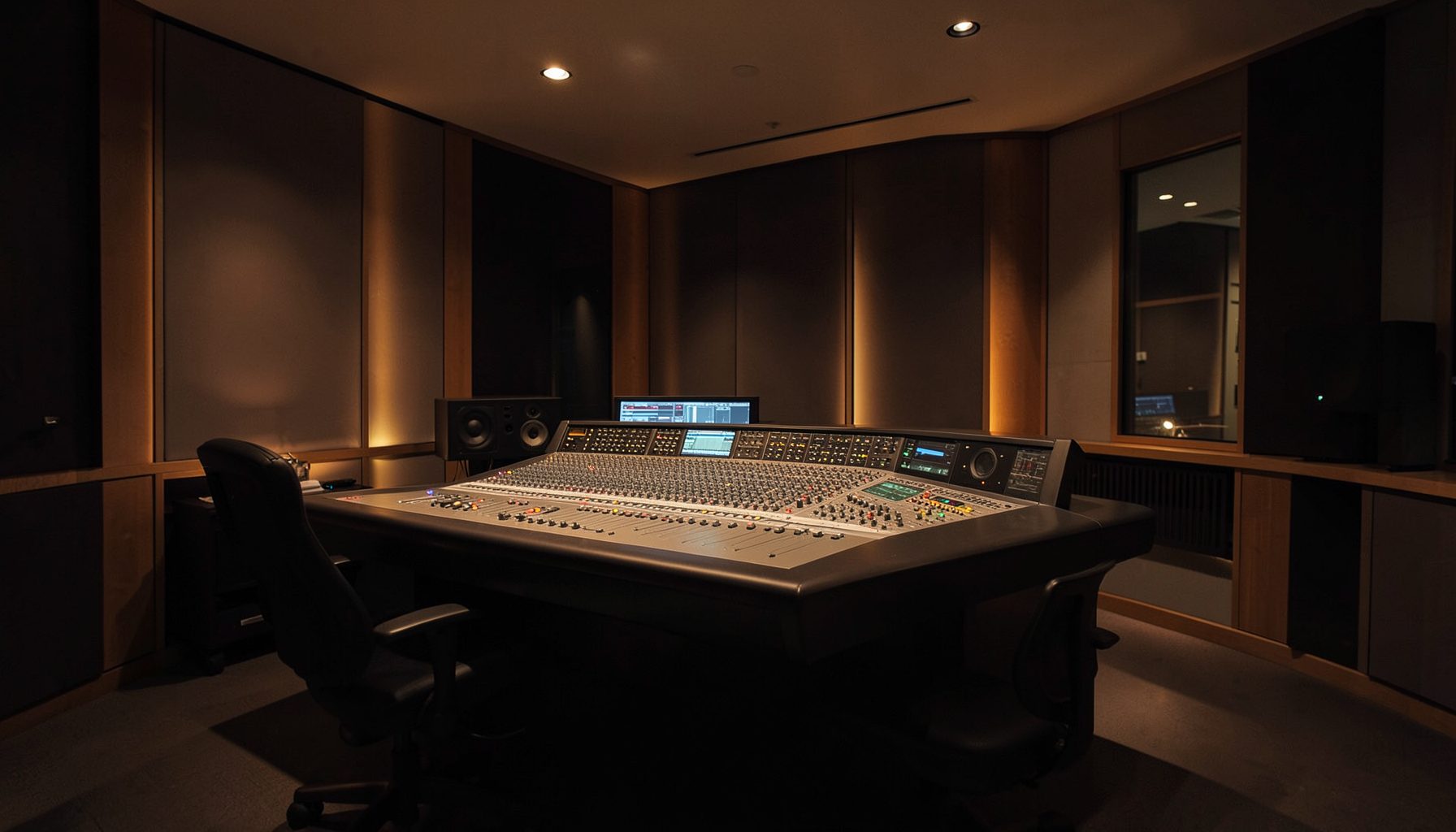
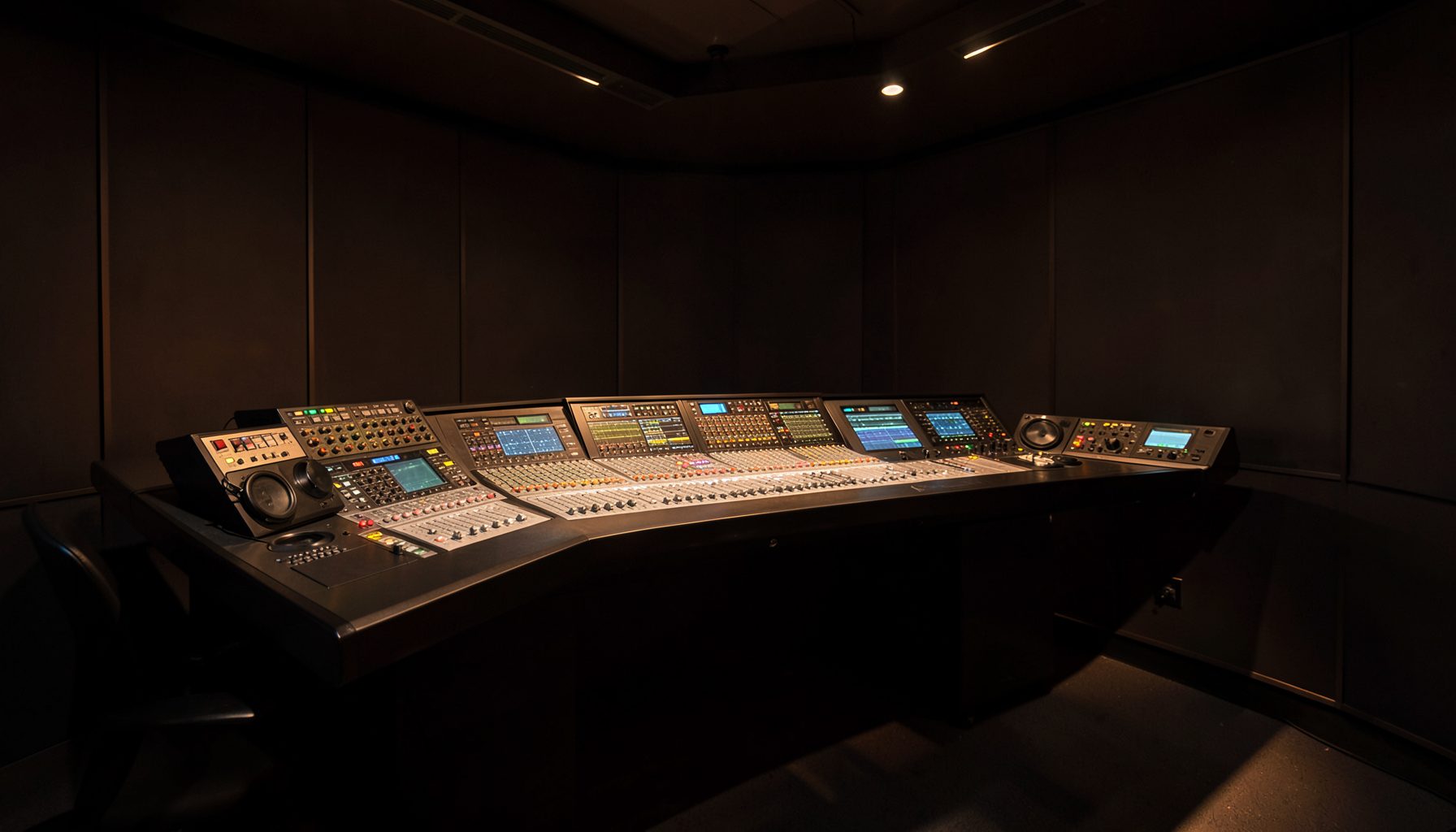
VisTool’s dynamic label display for source names on Ruby console screens gives operators a clearer view: each control’s displayed name reflects its current source. A reassigned fader no longer leaves “Mic 3” beside the wrong signal, reducing confusion in fast live production.
Dynamic labelling does not mean decorative text or automatic renaming. Displayed content can follow changing source assignments, giving engineers a reference across the console, a VisTool screen and networked audio destinations. Clear labels matter when presenters, commentary feeds, playout sources and remote contributions share a production.
A good source name says more than a channel number. “Studio A host” is more useful than “Mic 2” with several operators working; “Cricket match feed” is clearer than “Remote 1” during a sports handover. Ruby’s display adds context without changing the audio path.
Australian broadcasters gain from consistent naming across city and regional operations. A producer may handle a local breakfast show in Brisbane while another team prepares network material in Sydney. Shared screen names describe the same source across different consoles. VisTool provides the control layer, while Power Core carries networked audio between endpoints.
| Display approach | What the operator sees | Useful situation | Operational trade-off |
|---|---|---|---|
| Fixed fader name | A description stays tied to the physical control | Permanent studio channels | Can mislead after reassignment |
| Dynamic source label | The current description follows the represented source | Live switching and shared control | Depends on consistent naming |
| Short identifier | A compact name or call sign | Crowded panels | Must remain unambiguous |
| Full description | Complete context in a wider view | Training and handover | Uses more screen space |
A clearer view of changing sources
On a busy console, a fader position can outlive the source it represented. A presenter leaves, a replay returns to air, or a production channel changes from a microphone to a feed. If the visible label does not follow the assignment, even a trained operator can select the wrong feed.
Dynamic labelling closes that gap. The display presents the active description where the operator needs it, rather than forcing them to remember an earlier routing decision. Colour, fader position and meter activity can be read alongside the text instead of competing with a stale name.
How VisTool manages the display
VisTool gives engineers a software view of Ruby console screens and lets them configure how sources are presented. The dynamic label display makes source naming part of that configuration. A full name can remain the record while a shorter form is used where screen space is limited.
The key difference is that a label can follow the source being represented, rather than only a permanently assigned fader. During a handover, the operator works from the name currently visible. This helps on touchscreens used with motor faders, where position alone may not tell the whole story.
Labels across networked production
Ruby often sits within a broadcast system rather than an isolated desk. Power Core audio nodes move signals across studio networks, while playout, talkback and remote contribution feeds arrive through different routes. This fits Lawo’s Broadcast 3.0 approach: console control, networked audio and software views form one production system. A consistent name carried from the control surface to the display reduces translation errors.
VisTool helps the operator keep the console and its software screens aligned. That shared view matters during a live sport handover, when a studio microphone, venue feed and network return need attention. RƎLAY’s metadata-driven playlist workflows apply a related discipline elsewhere: structured information supports reliable selection when identifiers are clear.
Australian naming conventions and workflows
Australian operations make naming consistency more than a tidy preference. Capital-city stations combine network content with local breaks, while regional outlets cover local sport, council meetings or community events with smaller teams. Names such as “Cairns host” or “Newcastle caller” prevent numbered studio inputs from becoming ambiguous.
Call signs and station identifiers deserve care. A check of Australian radio station listings can confirm the spelling and location of identifiers before they reach a production screen. Across AM/FM, DAB+ and online streams, the same discipline keeps presenters, producers and transmission staff aligned.
Eastern seaboard teams may work with colleagues in Perth or Adelaide across different clock zones, including daylight-saving changes. Clear source descriptions can explain what was live when an issue is reviewed, while distinguishing a local feed from a national one limits accidental substitution.
Applications beyond live radio
The same screen logic applies to post-production, live performance and theatrical production. In a theatre, a fader may move between a performer’s return, a broadcast feed and a stage announcement system. Descriptive source names can distinguish takes from different cameras or microphones. The screen becomes an operational map, not a mirror of the console.
That principle travels well to public environments. An account of a Malta casino project shows how polished screen presentation can support discreet, reliable service in a venue. The descriptions help staff keep programme and communication paths under control without adding clutter.
Keeping names consistent and useful
Consistency starts with a naming convention the production team can apply. Keep an authoritative source for each identifier, distinguish people from feeds, and avoid labels such as “new mic” that become permanent by accident. The Ruby screen then records the intended assignment.
Good naming needs review after a show. A source used for a one-off commentary insert may need a clearer description next time, and labels carried over from rehearsal can become stale. A debrief between the console operator and production coordinator keeps future setups accurate.
A practical operating pattern
A workable pattern is to prepare full source names in VisTool, select clear short forms for crowded Ruby panels, and rehearse major routing changes. During the show, treat the visible label and assignment as a pair: if a control moves to a different feed, its description should change with it. Keep overrides visible rather than hidden in notes.
The practical takeaway is to treat each displayed source name as a live routing indicator, then test naming and assignment changes with the presenter, producer and replay operator before the first cue. Screen labelling becomes dependable production information rather than decoration.