Linking Faders and Meters in VisTool for Quick Studio Setup
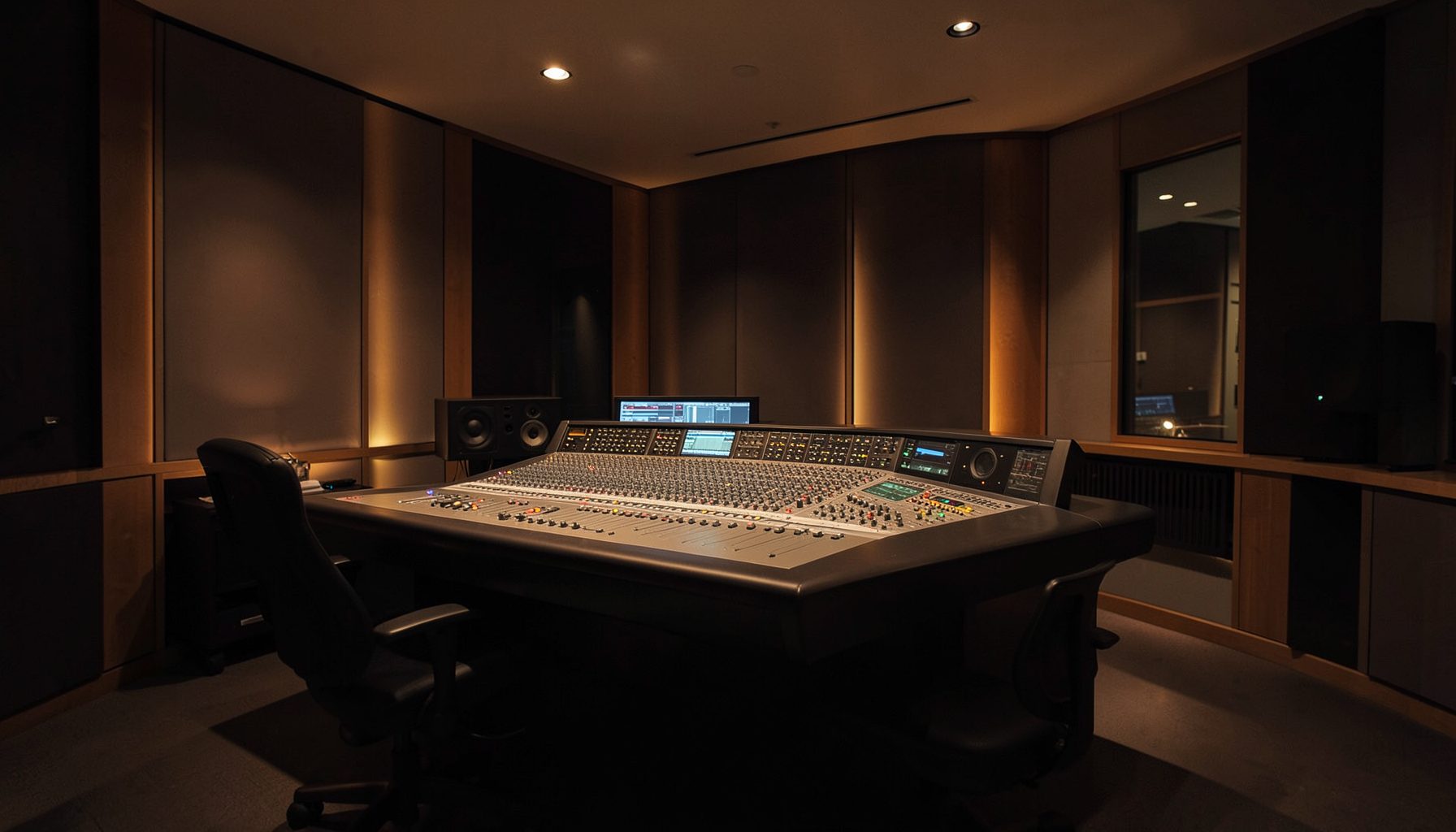
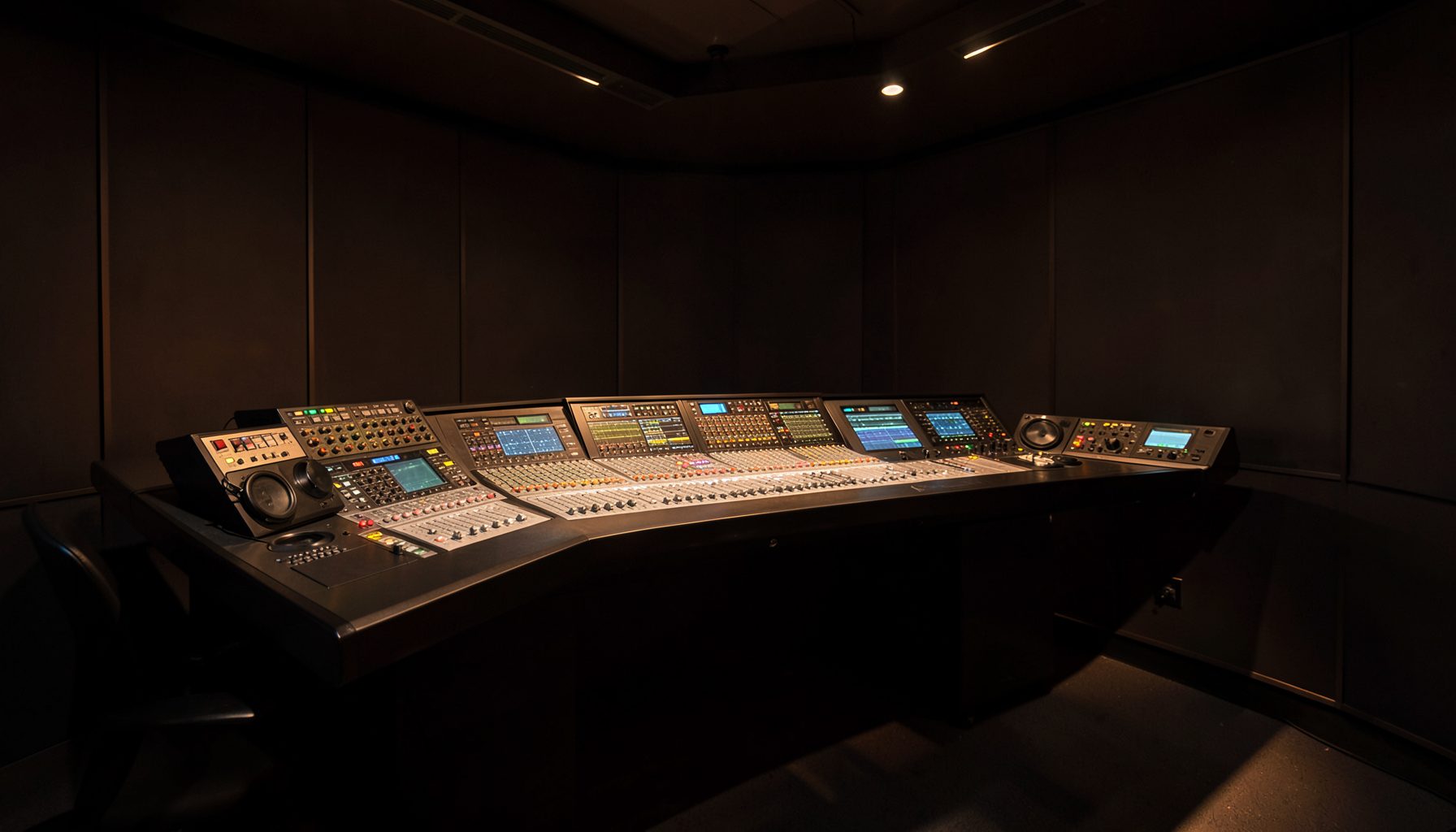
Radio desks have always compromised between the controls an operator needs and the space available for them. Software removes most of that compromise, and Lawo's visTool lets engineers build the surface while a show takes shape. The habit worth knowing is simple: drag a meter onto a fader and the two become one linked control.
That produces a desk that can be rebuilt between shows instead of between shifts. For Australian engineers — at the ABC's Ultimo campus in Sydney, a network studio in Melbourne, or a volunteer desk in regional Queensland — the saving shows up in the minutes before the hour and in the errors avoided once the red light comes on.
What follows is how fader-and-meter linking works inside VisTool, where it earns its keep on air, and how it sits within the wider Lawo ecosystem of Power Core audio nodes and RƎLAY virtual radio tools.
What drag-and-drop linking changes
In VisTool studio software, fader panels and meter panels are separate objects placed on the workspace. Drag a meter onto a fader and the pair is linked: the meter follows whichever channel that fader controls, carrying its label and scale with it. Unlinking is equally quick. The workflow is documented on the VisTool studio software pages.
The gain appears during assignment. Rather than matching every fader to the correct meter by hand, the engineer moves the elements themselves. A mapping exercise becomes a layout exercise, and the desk can be arranged around the operator's reach rather than around the signal flow.
Three routes to the same desk
Most engineers arrive at a control surface by one of three paths, and the differences come down to setup time:
| Approach | Setup effort | Hardware needed | Best suited to |
|---|---|---|---|
| Hardware console patching | Hours, plus re-patching for every change | Physical desk and jumper field | Permanent installations with fixed sources |
| Separate fader and meter views in software | Minutes, plus channel-by-channel assignment | IP-connected node such as Power Core | Shows that change week to week |
| Linked fader and meter views | Drag, drop, assign | Same IP node, no extra hardware | Quick commissioning and flexible line-ups |
Only the first path scales badly. Because a linked view behaves as a single object, a channel can be created, renamed and re-routed in one motion, and the saved profile carries that structure into the next show.
Building a show profile quickly
The link earns its keep when a producer arrives with a revised running order. The sequence is short:
- Drop a meter onto a fader, and the pair becomes one surface.
- Assign the channel, and the meter inherits that assignment.
- Name the pair once; label and scale follow the channel, not the panel.
- Save the profile and recall it for the next edition of the show.
Assignment lives with the pair, so there is no second matching step to forget. That removes a familiar fault: a fader driving one channel while the meter beside it reports another. The same approach suits monitor mixes, cue sends and talkback returns, each built as its own linked group.
Stage boxes and live rooms
Broadcasting from outside the studio is the hardest part of radio to plan, because the audio comes from microphones in a room the engineer cannot see. Lawo's account of planning a stage box for a radio theatre production shows the box configured and rehearsed away from the venue, then packed for the night.
With a software desk, that rehearsal carries across. The linked arrangement built in the rehearsal room is the arrangement used on site, so the engineer arrives knowing the layout already. Power Core nodes handle the physical I/O; the layout decisions live in the software and travel with the profile.
Talkback, the footy and live sport
Australian radio has a live sport tradition most markets do not, and the talkback chatter around an AFL or NRL game is a familiar sound in network and independent studios alike. The demands are clear: a field reporter, a host in the outer studio, a producer cutting between them, a boundary caller in the mix.
Linking helps for a plain reason. Talkback feeds open and close without warning while the host is speaking, and when the meter for a feed sits on its fader, an engineer can see the return without hunting through a separate meter bank. Australian studio custom travels with it too: every contributor speaks a line before the broadcast, so each path is heard in context rather than trusted on faith.
Paperwork that matches the software
A linked surface is easy to rebuild and easy to lose, which makes handover documentation part of the workflow rather than an afterthought. Show profiles, channel labels and final layouts need a home every shift can reach, and many Australian stations keep this material in shared document systems such as shared document views beside their broadcast automation.
The habit pays off across the market's range. SBS builds multilingual programs in Sydney and shares control surfaces between sites; ABC operations in Ultimo run many channels from one campus; and regional community radio stations, often staffed by volunteers, gain most from a profile that can be recalled instead of rebuilt.
What the next shift should inherit
The argument for linking faders and meters is continuity. The next engineer inherits a desk already arranged, with meters paired to the faders they belong to and a saved profile that returns in one action.
Routinely, that turns the first ten minutes of a shift from reconstruction into checking. Layout, naming and level matching survive the handover because they were never held in one person's head. Keep the pairing, keep the profile current and keep the documentation alongside it, and setup time shrinks.