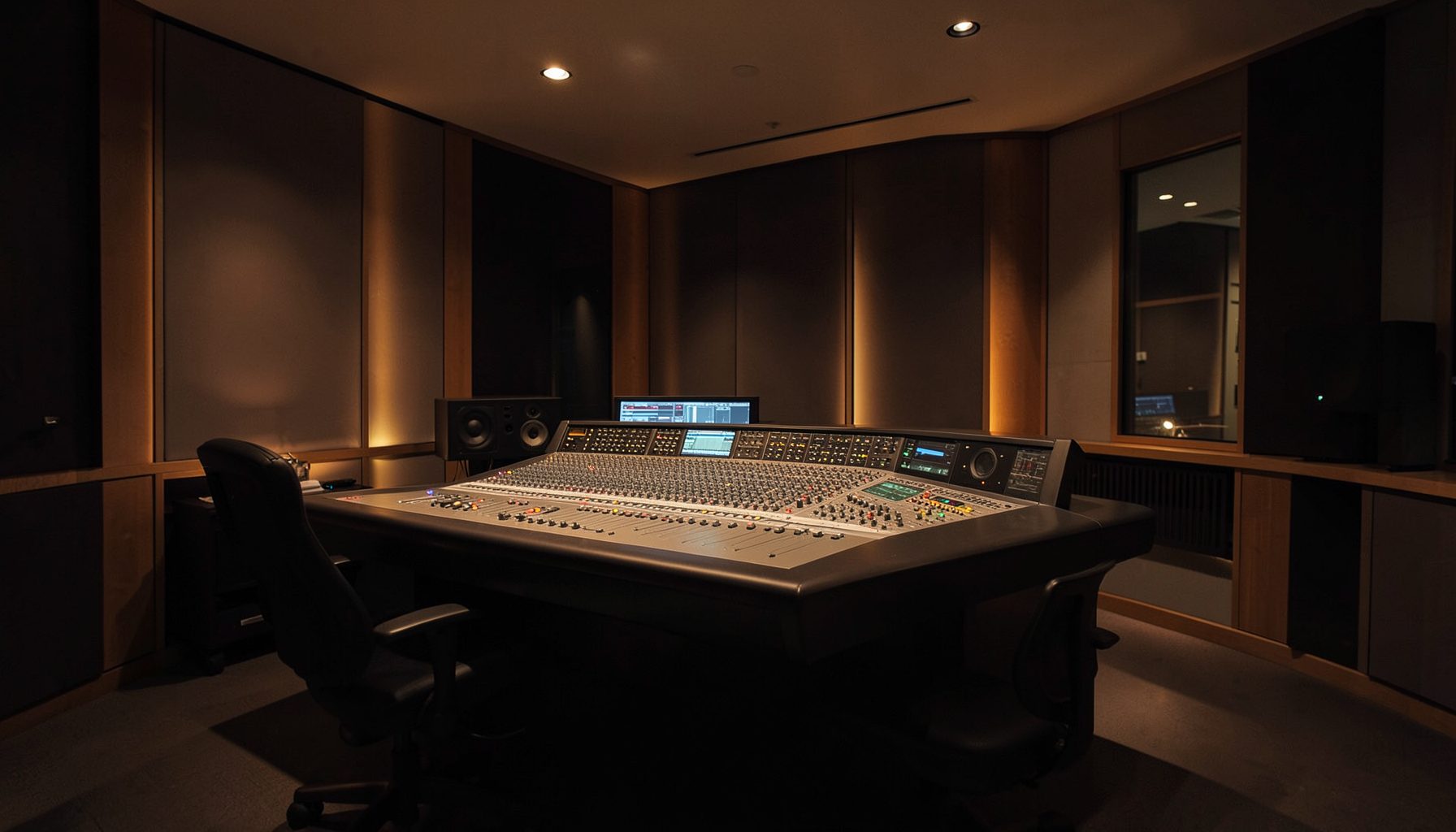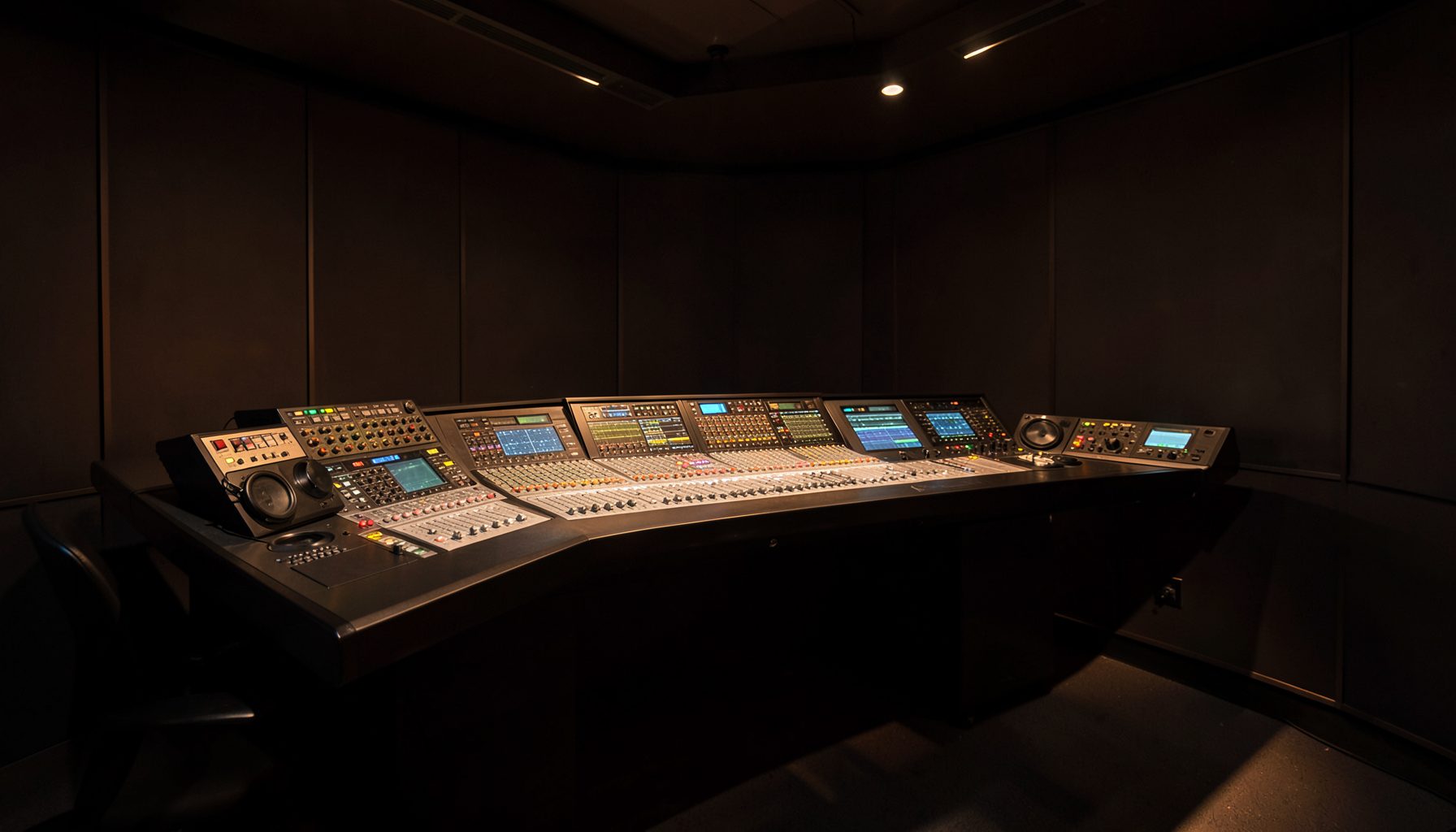
VisTool colour-coded fader stripes for faster source recognition
VisTool’s color-coding of fader stripes gives operators an immediate way to distinguish a live microphone from playback, a remote feed or an effects return. During a busy radio shift, that small visual cue can prevent a source being muted, opened or routed to the wrong destination when the desk is crowded and several people are talking at once.
Used with a clear naming policy, the stripes create a shared visual language across the control room. The colours become especially useful when a producer, presenter or engineer changes position, or when a show moves from local talent to network content. A sensible palette can be mapped by source type while retaining each station’s preferred terminology.
| Source type | Suggested stripe | Difference made at the desk |
|---|---|---|
| Live microphone | Blue | Separates talent and interview feeds from recorded material |
| Playback and automation | Green | Identifies carts, beds and timed events |
| Remote contribution | Amber | Distinguishes network and outside-broadcast feeds |
| Processing and effects | Violet | Marks EQ, dynamics and effects returns |
| Talkback and utility | Grey | Recognises cue, talkback and monitoring paths |
A visual language for the fader field
A fader stripe is a colour marker attached to the fader control and associated with the source it controls. When an operator scans across a bank of channels, the stripe communicates the source type before the operator reads the full label or remembers where a channel was positioned earlier in the show.
This recognition remains useful when desks are shared. A source does not depend on the engineer sitting in the same place, and the visual cue survives changes to layouts, filter groups or routing. It also helps new presenters understand the relationship between a fader and its function without learning the physical position of every channel.
At Lawo, this approach is closely associated with Ruby broadcast consoles, where dense fader layouts and live routing benefit from a source that can be identified before the operator reads every label.
Categories that reflect the workflow
Categories are most effective when they describe how a source is used rather than where it happens to sit. A radio station might group microphones, playback, network feeds, effects and talkback into broad operational classes. Related sources can share a stripe because the operator usually needs to know the action they represent, not every technical distinction.
Grouping also limits visual clutter. Giving twenty microphone inputs twenty different colours would recreate the complexity the feature is intended to reduce. A smaller set of meaningful categories makes the scheme faster to learn and easier to maintain when new channels or remote services enter the production workflow.
Colour should encode function, not prestige. Viewers also meet category colours in commercial interfaces; a page presenting VIP casino benefits, for example, may use gold to signal a status tier. In a broadcast desk, gold is useful only when every operator knows that it means a remote contribution rather than an important source.
Setting the rules before air
The colour assignments should be agreed before the first “red light” rather than improvised during a live show. A production team can document which source types receive each stripe, ensure the same names appear in VisTool, and note any exceptions such as a special-effects channel or emergency talkback path.
Consistency matters during handovers. A show running from Sydney may pass control to a producer in another location, while late-night voiceover sessions often involve staff arriving when the previous operator is already leaving. A recorded colour key and an up-to-date desk layout allow the incoming person to understand the desk quickly.
That preparation has value beyond broadcasting. This brewery filtration sizing guide separates water handling, capacity and equipment requirements before a small brewery commits to a system. VisTool’s source categories work in a similar way: define the process first, then give each role a clear place in it.
Australian studio and outside-broadcast realities
Australian capital-city studios, including large operations in Sydney and Melbourne, can move between talkback, voiceover, networked content and live programming within a single shift. Colour-coded stripes help staff identify the source class quickly, particularly when one presenter handles audio while another producer manages the playlist.
Regional stations around Brisbane, Perth and regional New South Wales often operate with smaller teams, as do many community broadcasters. In those environments, documented visual conventions reduce reliance on institutional memory and make it easier for volunteers or visiting engineers to step into a busy production position.
Radio teams also favour conversational directions such as “come through on three”, “grab the fader” or “park the cart”. VisTool’s stripes reinforce that language with a visible reference, reducing the need to explain whether a particular channel is live, playing back or carrying a remote return.
The Australian market includes commercial operators, public-service broadcasters, community stations and production facilities serving sport, theatre and live events. Outside broadcasts at Australian football matches or community festivals add temporary feeds under time pressure, making a consistent source classification particularly valuable. Local integration and training support also matters because uptime and fast fault-finding are central expectations in this mixed market.
A calmer desk and quicker handover
Colour-coded stripes do more than shorten the initial glance. They make mis-routing easier to catch, improve communication between roles and give engineers a consistent explanation to offer during a handover. The strongest schemes are shared across VisTool layouts, console views, written production notes and training material.
Colour should still be supported by source names, position or other cues. That matters for operators with colour-vision deficiencies and for studios using different displays or lighting conditions. The stripe is a prompt for recognition, not the only way to identify a source.
What should remain in the operator’s memory is simple: a disciplined colour system turns a crowded fader field into a map the entire team can read.