VisTool binary mapping for physical pushbuttons in control rooms
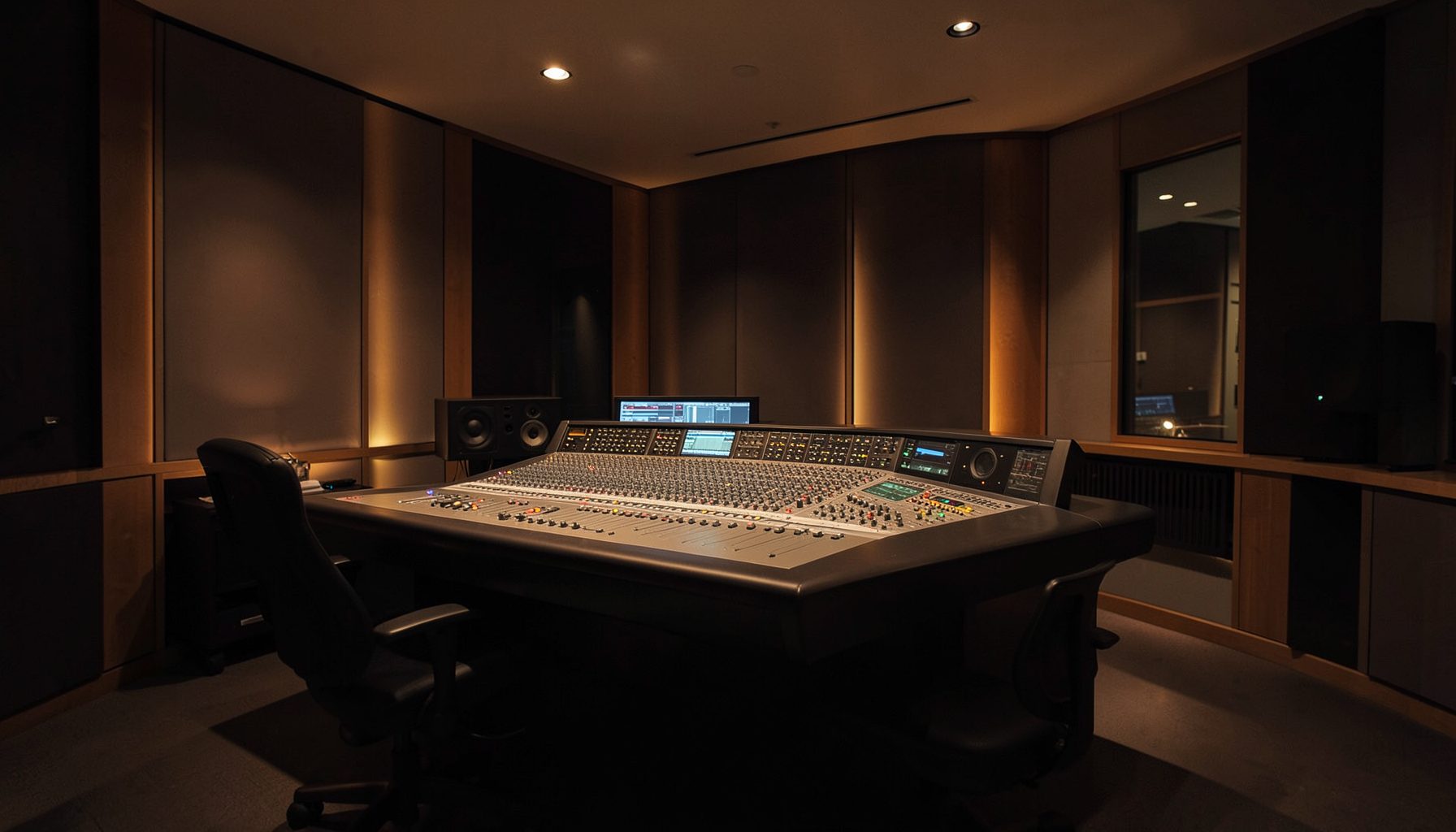
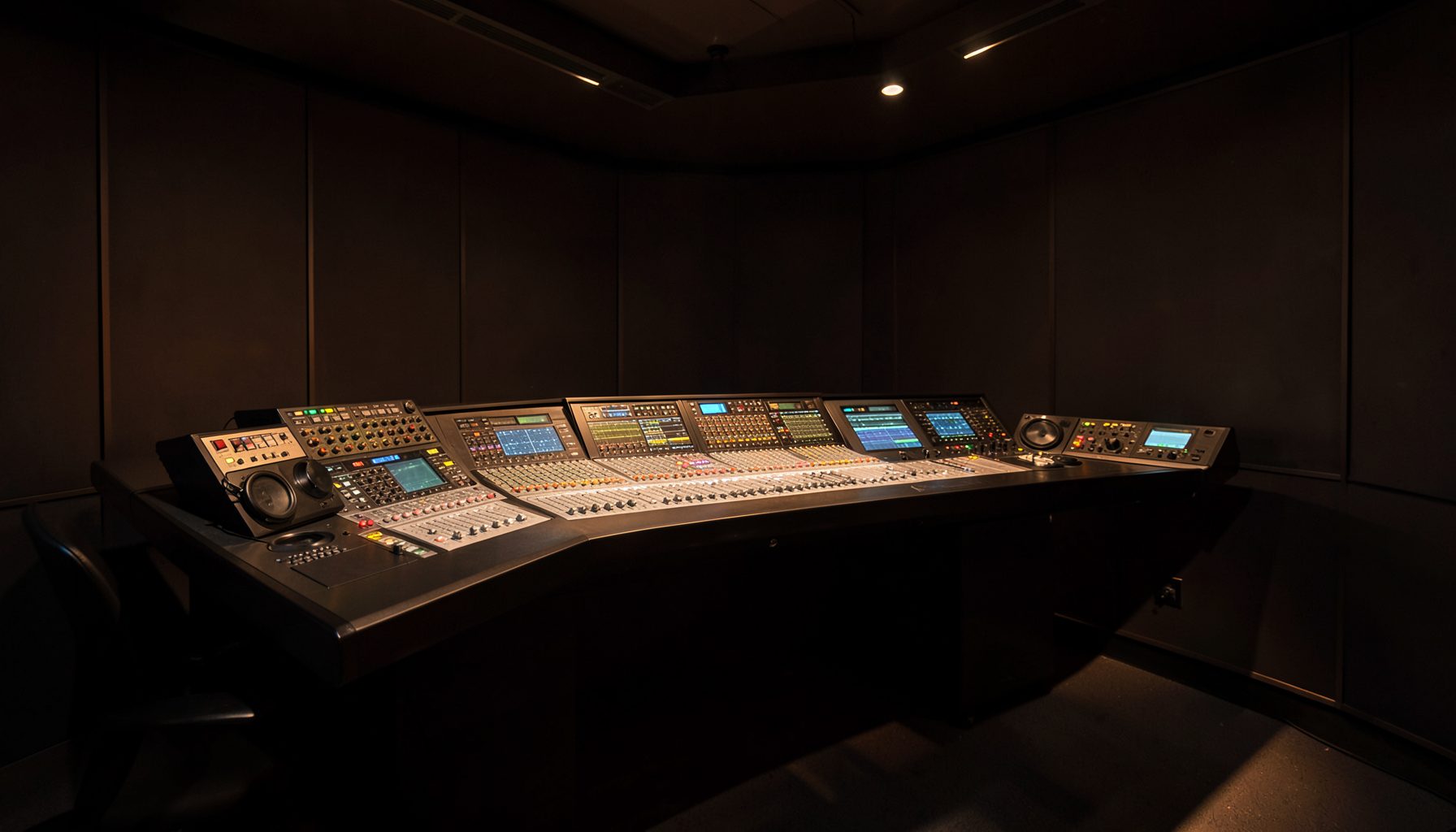
In an Australian broadcast control room, a physical button under a presenter’s finger can be the quickest route to an action. VisTool’s Binary Input Mapping for Physical Pushbuttons in Control Rooms links those controls to software actions, allowing operators to change a source, fire a cue, open talkback or mute a channel without navigating menus. The mapping carries commands and status; it does not transport programme audio.
That model suits the networked systems used by commercial, public and community broadcasters from Sydney to Perth. VisTool Studio can operate within Lawo’s wider environment alongside Ruby consoles, Power Core audio nodes, RƎLAY virtual radio tools and AutoMix. For lean overnight teams, it offers consistent control with a documented action available at a Melbourne hub or regional station.
Pushbuttons still earn their place
Physical controls provide immediate tactile feedback and a fixed location, reducing the chance that an operator selects the wrong item on a crowded screen. They are especially useful during live performance, outside broadcasts and fast studio handovers when attention must remain on the programme feed.
A binary input reports a limited state, such as pressed or released. VisTool adds meaning by linking that state to a defined action, while labels, illuminated states and on-screen confirmation provide context. Australian teams use compact broadcast language such as “take”, “drop”, “cue” and “talkback”, so button legends should match that vocabulary. Clear layouts also help handovers between Brisbane and Adelaide or shared rooms serving several stations.
From electrical signal to software action
A wall panel, desk button or connected I/O device turns each physical press into an electrical signal the control system can read. That signal identifies an input and its state. VisTool matches the identity to an assigned command, such as selecting a monitor source, toggling a processing state or recalling a prepared scene.
The mapping should define active and inactive behaviour, the target object, permissions where relevant and expected feedback. A press can select a cue, acknowledge an alarm or initiate talkback, while release can cancel an operation where the hardware supports it. Press-and-hold functions need care because a stuck switch or repeated event can trigger an unintended action.
Clear naming lets a programmer alter one route without hunting through an undocumented menu and gives engineers a dependable reference during maintenance. It also separates the physical control surface from the software logic that gives each button its operational meaning.
Building a clear control-room layout
Buttons should be grouped by task, with monitoring beside vision selection, talkback beside microphone controls and emergency actions in a protected area. Consistent colours and wording matter, but colour must never be the only cue. An illuminated legend, status display or spoken confirmation should make the current state understandable in dim light.
Clear state communication is not unique to broadcast. An online casino interface also needs to show whether an action is armed, active or unavailable, although its operating risk is different. Broadcast desks need that clarity with tighter safeguards, particularly for actions affecting what listeners hear. A practical choice guide is:
| Control need | Suitable binary mapping | Operator feedback | Main risk |
|---|---|---|---|
| Cue selection | Momentary input tied to one cue | Button illumination and selected-cue display | Cue changes without clear confirmation |
| Talkback | Press to open, release to close where supported | Active microphone indication and level meter | Open microphone remains unnoticed |
| Source selection | Toggle or momentary input with defined target | Source name, tally and preview status | Mode changes but target stays ambiguous |
| Emergency mute | Guarded, deliberate activation | Persistent warning and confirmation | Accidental or unnoticed operation |
The best choice depends on consequence and frequency. Frequently used, reversible actions can be direct, while high-impact functions need guarding, a distinct position or confirmation. The mapping should reflect the operator’s task rather than force every function into one interaction pattern.
Hardware resilience and network independence
Physical controls still need dependable wiring, power and configuration. A well-built panel should provide stable keys, replaceable connections and visible service indicators. Engineers checking continuity, signal levels or interface behaviour may also compare suitable bench instruments from a specialist supplier such as Cavendish Instruments.
Networked control separates the user interface from the processing it commands. VisTool can present a consistent button layout while the target remains within a studio, another control room or a remote site. This improves workflow design but makes network monitoring, device naming and recovery procedures more important than with a standalone desk.
Local control should remain predictable when a wider network is under pressure. A station in Perth or Darwin may need an approved fallback for essential cues and talkback if a site link degrades. Broadcasters should test those routes during quiet periods and avoid presenting a software fallback as equivalent to a hardwired emergency control.
Testing mappings and training operators
Commissioning should treat every mapped button as a control chain: input, command, target and result. Test one press, a rapid repeat, a held switch and the release state. Confirm that the intended object changes, the operator sees clear feedback and no duplicate command appears. Physical faults can resemble mapping errors, so inspect both the panel and software logs.
A current configuration file should accompany the panel documentation. Record hardware revisions, input identifiers, assigned routes, firmware versions and deliberate exclusions. Changes should be versioned and reviewed before they reach air, especially when a rehearsal button becomes part of a live show.
Training works best as a guided scenario rather than a list of button names. The staged presentation in a casino package overview illustrates how choices can be introduced in sequence, even though the sectors differ. For broadcast staff, the equivalent is to locate the control, make the action, verify the result and explain the handover to the next shift.
What control-room teams should remember
VisTool’s binary mapping turns a simple physical state into a deliberate production action. Its reliability comes from the chain around the button: an unambiguous layout, a documented assignment, visible feedback, tested hardware and a rehearsed response when something fails.
Every press must have one clear meaning, one observable result and one known recovery path. That discipline keeps fast controls safe and dependable across Australian studios, network hubs and regional broadcast rooms.