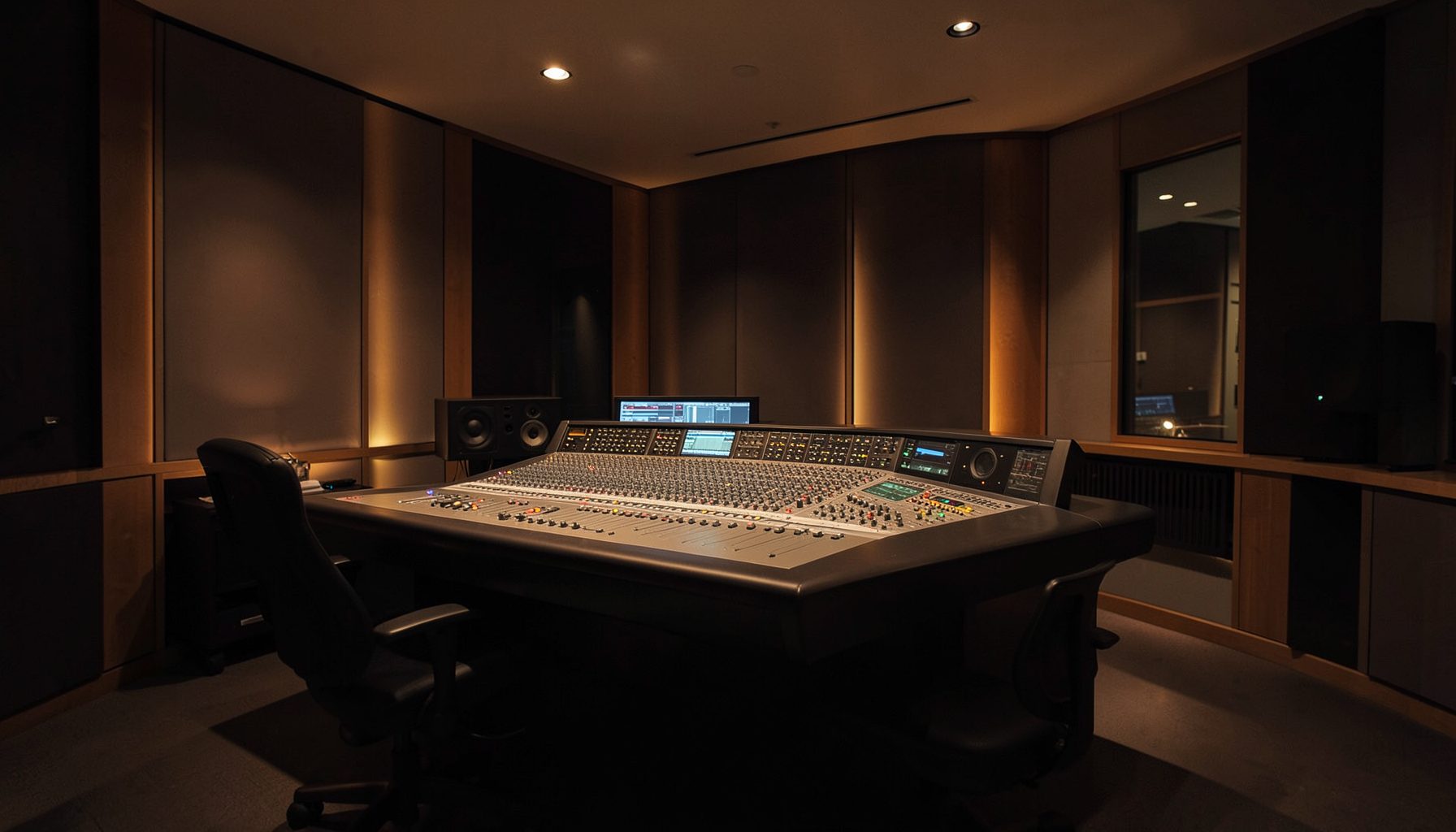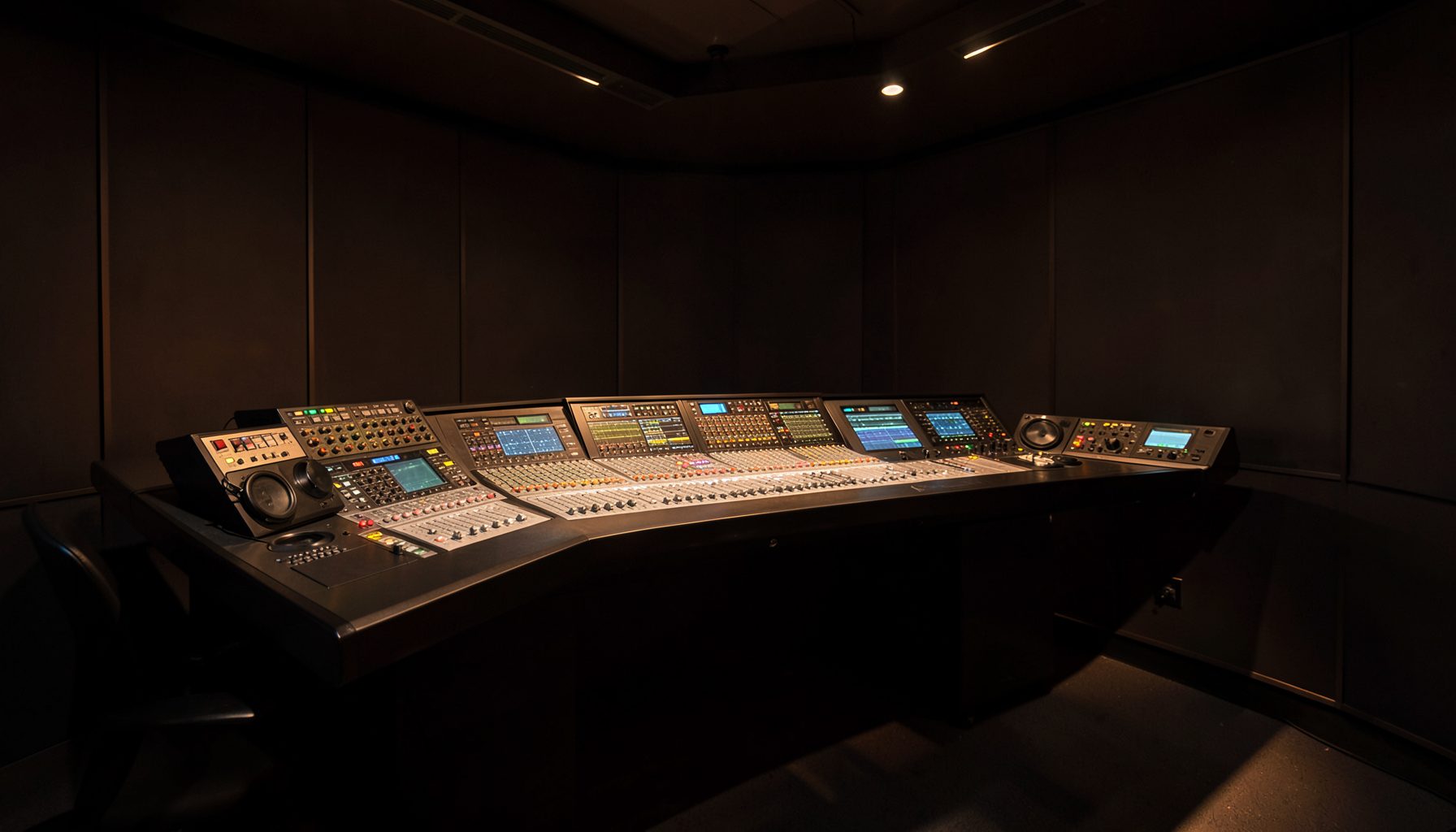
VisTool remote fader control in the browser
Lawo’s VisTool Studio links Ruby console control to a software-based production workflow, and its embedded web server can publish fader controls for an authorised browser. Engineers and producers can adjust a mix from another room or remote site without installing a full console-control client on every device.
The browser is a control surface, not the programme-audio return path. Commands must reach the intended console and channel, while monitoring continues through the established audio system. Keeping those roles separate prevents a successful page load from being mistaken for a successful mix change.
Australian teams often work across hubs in Sydney and Melbourne, with national ABC services and commercial stations operating their own technical environments. Remote access can simplify those workflows, but it should fit a managed network rather than turn a studio console into an open internet service.
What remote fader control provides
A remote fader page can provide level indication and channel selection to someone away from the desk. Every action must use the correct console and channel mapping; otherwise an operator may adjust the wrong input or a feed that only looks active in the browser.
Establish whether a control updates only a graphical fader, also moves the console’s physical fader position, or does both. An engineer watching the desk needs to know whether a remote adjustment will be visible in the room and audible in the mix.
Lawo’s RƎLAY virtual radio tools cover a complementary workflow for pre-recorded show assembly and quality control. They belong to the wider radio-production toolkit, but they are not a substitute for VisTool’s connection to the live console.
A protected path into the studio
Keep the embedded server inside the studio’s trusted network initially. The VisTool machine needs a stable LAN address, and the browser computer needs a route to it. Where separate management, programme and office networks exist, use a dedicated control segment to limit unnecessary reach.
For access beyond the building, use an approved VPN or zero-trust gateway, with multi-factor authentication and access limited to the server address and port. Do not port-forward the embedded web server directly to the internet. NBN fixed and fixed-wireless services vary in latency and stability, so test the actual route rather than the service label.
During a remote session, the operator should see the same console state as the engineer, while every fader movement remains visible at the desk. Confirmation at the console is the reliable test.
Preparing VisTool and the browser
Before inviting remote users, verify the VisTool installation, console connection and channel assignments on the current supported release. Consult its documentation for web-server settings, supported browsers and exact menu labels rather than copying instructions from an older installation.
Give each user an individual account and the minimum access needed. Where the installed version supports roles, restrict remote users to fader operation rather than administration. Keep local administrator access separate, and never expose shared credentials in a production run sheet.
Teams maintaining bespoke control panels can approach CX Silicon for component sourcing. Any such hardware should remain outside the live fader path until its operation and isolation have been tested with the rest of the console system.
Running a safe remote session
Test during an arvo line check with the engineer and remote operator together. Confirm that channel labels match the console, assigned channels cannot be changed accidentally, and fader response is immediate. Check that playback automation is not overriding a manual adjustment.
Use talkback to confirm assignments and releases. A brief “no worries” on talkback can signal readiness, but the team still needs a named person responsible for the final mix. Clear ownership matters more than how casually the handover sounds.
Record the start and end of the session and every significant level change. Compare the VisTool values with the desk before closing the remote session, then disable any shared browser profile left open on a workstation.
Keeping control separate from monitoring
Keep fader control separate from programme monitoring. Engineers who need to listen should use the approved monitoring solution; a browser used for faders does not need to receive the programme feed or carry playback credentials.
Timed content also belongs in a clearly defined playout workflow. The casino promotion updates walkthrough can provide a useful playout-oriented reference; keep those feeds and credentials distinct from fader control rather than making the embedded server a catch-all for unrelated broadcast functions.
This separation simplifies auditing because fader adjustments, monitoring and incoming playout material have different purposes and access rules. It avoids giving a remote operator access to sensitive playout systems merely to correct one level.
Rehearse, document and retain a local fallback
Rehearse from the network and location the operator will really use. A producer in Brisbane may be working against a console team in Sydney while clocks follow AEST or AEDT depending on daylight saving, so include time zones and session windows in the run sheet.
Test on a quiet channel, deliberately select the wrong channel once to confirm safeguards, then disconnect and reconnect the browser. Confirm that programme audio and automation remain stable, and record the outcome with software versions, network details and the people involved.
Retain physical console access during every remote session. If latency, authentication or connectivity fails, stop remote adjustments and complete the work at the desk. The next concrete step is to reserve a 30-minute supervised test in the next arvo maintenance window: connect one authorised remote operator through the approved VPN, move the designated test-channel fader, verify it at the desk, and record the outcome in the operations log.