Ruby's Built-in Limiter Thresholds Against Digital Clipping
A listener in a taxi on the Monash Freeway does not care which console built the mix — they only notice when the station sounds harsh and the speaker in the dashboard clips. That artefact almost always begins with digital clipping: the summed programme bus pushing above 0 dBFS, the waveform flattening against the ceiling, and the distortion being passed straight into the codec, the transmitter and the receiver in the car. Once clipped, the damage is baked into the encoded stream, and nothing downstream can restore it.
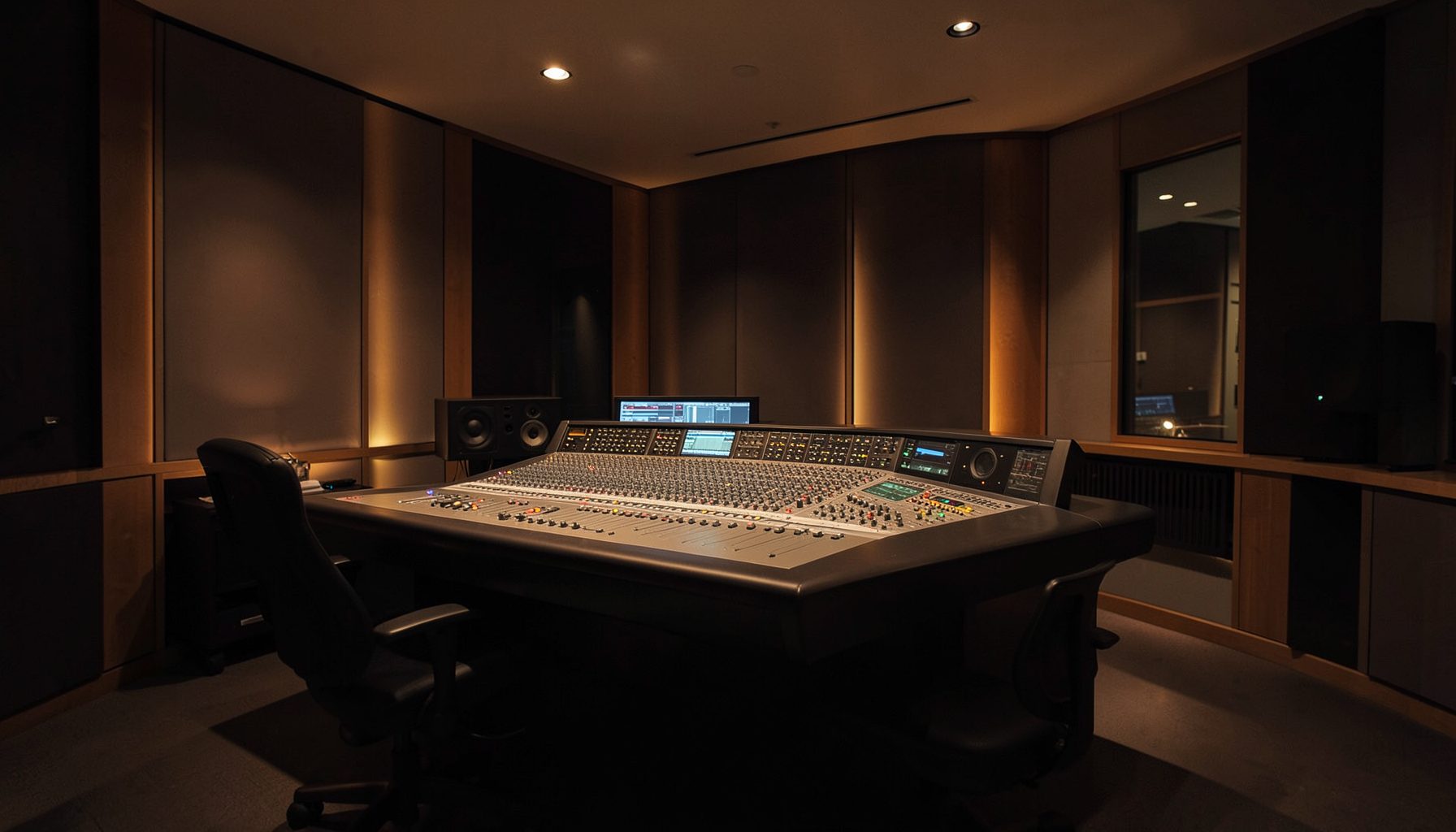
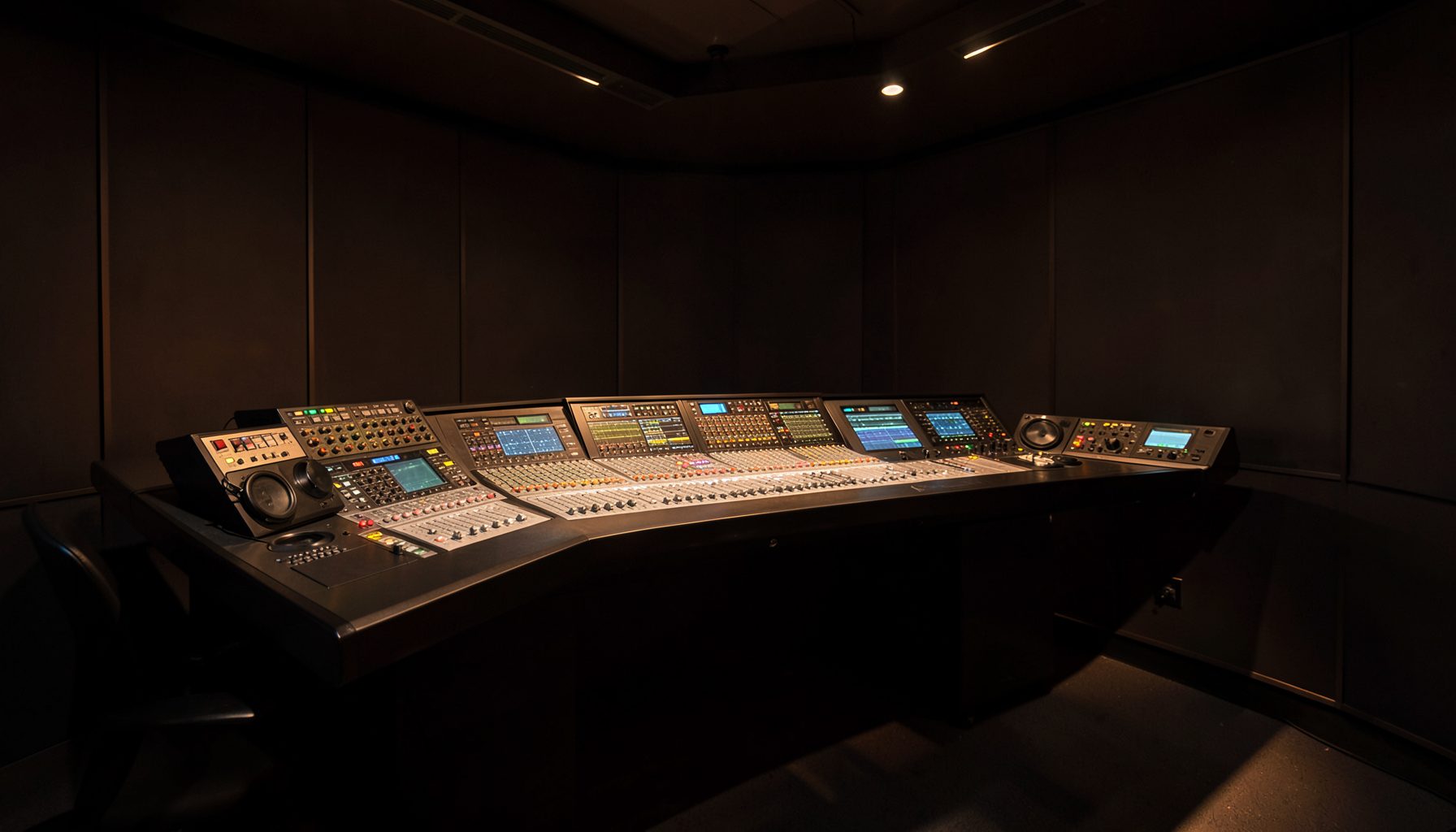
Ruby's built-in limiter is a compact, always-on safety net for exactly that moment, and it lives inside the console rather than in an outboard rack. The question for an engineer in Melbourne, Brisbane or Perth is not whether to use it, but where to set the threshold so it catches genuine overload while leaving the deliberate dynamics of a live mix untouched.
Where Digital Clipping Enters a Live Mix
Clipping is rarely caused by one channel. It appears when a dozen sources — two mics, a remote return, a video clip, a station ID sting — happen to peak together during a live crossfade. On a wideband station running 48 kHz, the ceiling is 0 dBFS on the samples, but a steep analogue-to-digital conversion can push the reconstructed waveform between samples past that point, so a meter reading just under zero still produces audible distortion on the way out.
The same logic applies further down the chain. A component's performance is judged by everything around it — a principle the specialists at Gen Optics SPR apply when designing lenses and beam delivery for demanding installations. A console that outputs a clean sample stream is of limited value if the encoder ahead of it is fed an already distorted waveform.
What Ruby's Limiter Controls
The built-in limiter is a peak control tool, not a loudness tool. Its threshold defines the level above which the console begins pulling the output down, and its ceiling sets the maximum level it will ever pass. Set sensibly, it behaves like a safety fence: silent during normal programme, active only when a single frame of the mix would otherwise exceed the limit.
The difference between a threshold and a ceiling matters on live radio. A threshold set too low acts as a compressor, flattening the dynamics of a breakfast show until the host sounds permanently subdued. A threshold set at the ceiling leaves the limiter no time to react — a fast transient overshoots between detection and correction — so the release behaviour and look-ahead are as important as the number itself.
Because the limiter runs on the console's output path, it protects everything downstream of that point, which means the value chosen must suit the destination. A chain feeding a transmitter wants different headroom from a chain feeding a web stream or a podcast download.
Setting Thresholds for Broadcast Paths
For an Australian broadcast path — FM with its pre-emphasis and stereo encoder, DAB+ in the metropolitan markets, or a simulcast feed — engineers typically work back from the digital ceiling rather than the transmitter input level. A limiter ceiling around -1 dBFS leaves the encoder enough headroom for its own filtering without adding artefacts of its own; a more conservative -3 dBFS buys margin for a hot analogue feed from a regional studio.
The threshold sits a little below that ceiling so the limiter engages before the danger point rather than at it. On a music-heavy station during drive-time, where a crossfade can push several decibels into an already hot bed, a threshold a couple of decibels under the ceiling is a workable starting point.
Streaming and apps add another layer. Phone listening, Bluetooth car systems and earbuds all apply their own normalisation, so a podcast mastered to -16 LUFS or a stream delivered at -1 dBTP behaves very differently in the listener's vehicle than in the studio. Set the limiter for the most fragile point in the chain, not the most convenient one.
Hybrid Studios and Networked Audio
Many Australian stations now run a hybrid facility: an analogue desk in one room feeding a network-based studio system in another. Getting that boundary right is the subject of hybrid audio bridging with Lawo nodes, and it is where limiter settings start to collide with gain structure.
When an analogue console output is converted and routed onto IP, the level arriving at the network side is whatever the desk was left at. If the operator was peaking at 0 dBFS because the network side had plenty of headroom, those clipped peaks travel as data over the link, where no amount of downstream processing will remove them.
Keeping the hybrid boundary disciplined turns the limiter on the Ruby output into a contract between the two worlds: whatever crosses the bridge arrives inside a known, safe range, whatever the operator does with the faders during a live crossfade.
Verifying the Setting in Routine Use
A threshold is only useful if someone checks it. VisTool gives engineers a detailed view of the console output, and RƎLAY adds virtual radio tools for remote contribution and monitoring — useful when a live sport rights mix originates at the SCG or the MCG and the operator cannot hear the studio.
Measurement matters just as much as configuration. Power Core nodes can be deployed for networked audio distribution alongside monitoring and metering, so a station sees the peak values that actually left the console instead of trusting anyone's recollection of what the desk was doing. Watching the gain reduction meter through a rehearsal of the worst case — the biggest crossfade, the loudest stinger — tells you more than any theoretical setting.
Local conditions make this routine work more valuable. Regional stations in Queensland and Western Australia share programme across long IP links to co-transmitter sites, and an automated drive-time show on a network like Triple M or Nova runs with nobody listening at the desk. Technical faults also sit oddly beside regulation: a distorted station ident or a clipped automated voice-over is exactly the kind of defect that attracts attention from ACMA under the content and advertising provisions of the Broadcasting Services Act 1992.
The practical takeaway is a documented number rather than a memory. Set the ceiling from the destination path, keep the threshold a couple of decibels beneath it, and check the gain reduction meter against the loudest material you actually broadcast. A verified ceiling around -1 dBFS, recorded in the handover notes and re-confirmed each week, costs nothing and prevents the one fault listeners recognise instantly.