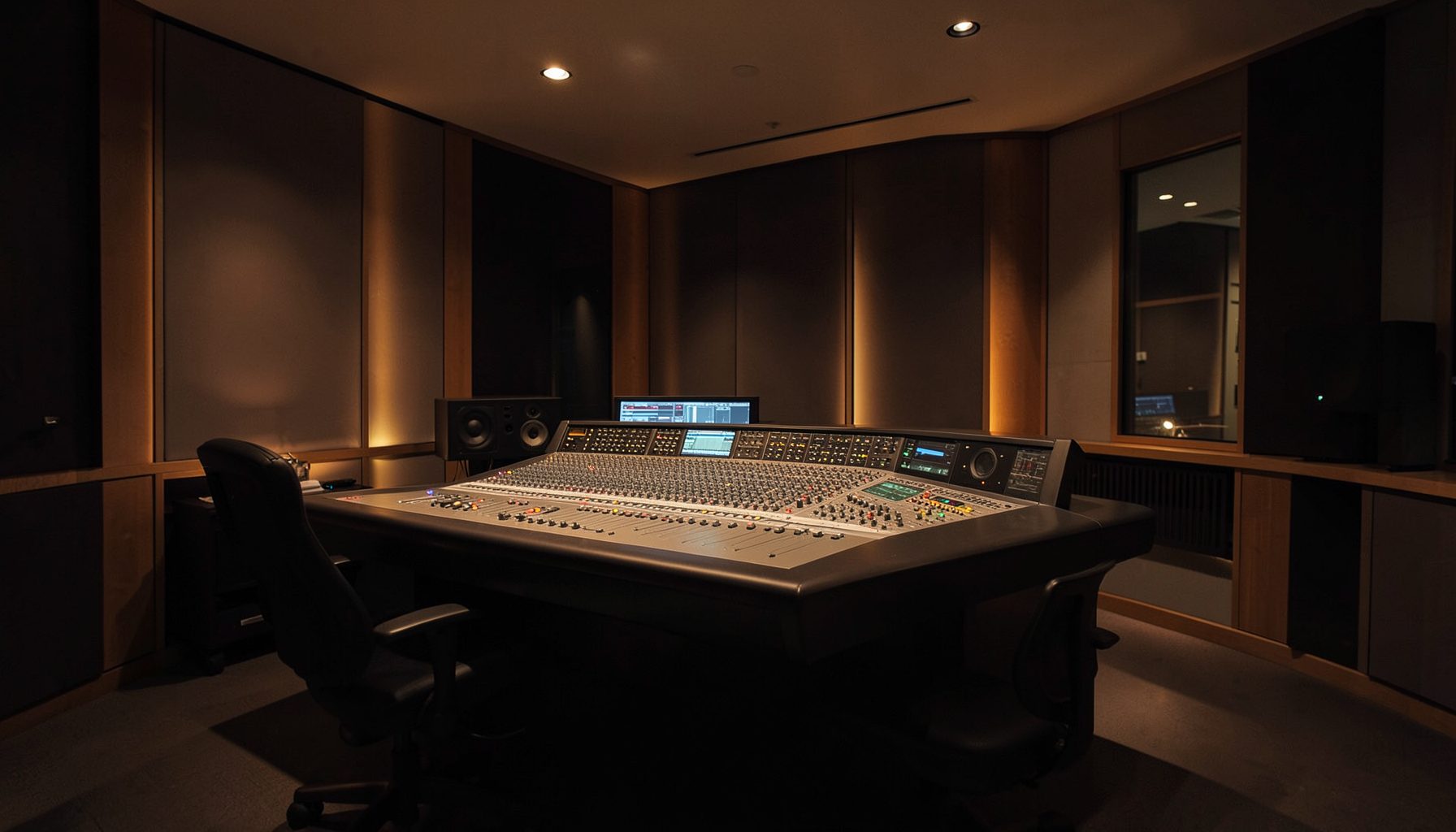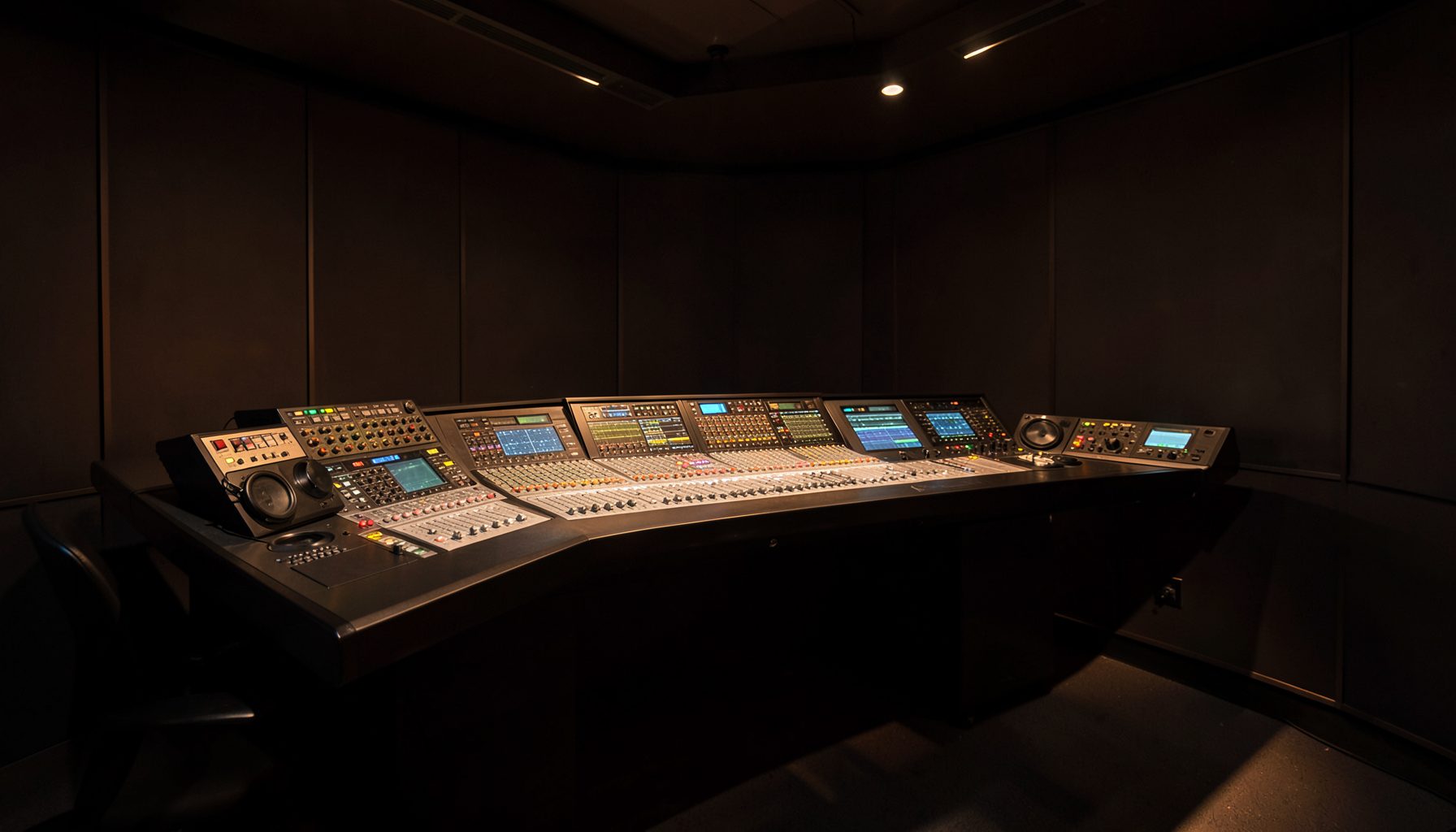
RƎLAY Export to WAV for complete show archives
Radio archives often begin as a collection of highlights: a sharp interview, a funny exchange or a report that needs another play. Keeping only those extracts can remove the context that makes them valuable months later. RƎLAY’s Export to WAV function offers a more complete approach by capturing whole show segments as conventional audio files.
These exports give programmers, producers and engineers a durable record that can be searched, copied, edited and delivered without the original live production system. They also reduce the risk of missing the start or end of a segment when an archive is built manually from a live recording.
What RƎLAY changes for show archives
An archived show is more than a recording of the programme. It includes the presenter’s introduction, production cues, music beds, interviews, pauses, transitions and the final sign-off. RƎLAY treats that larger piece of programme material as the archive unit, rather than forcing operators to identify and clip every usable moment during the broadcast.
The exported WAV can then enter an existing media workflow. A station might place it on a network-attached storage system, send it to a post-production team or retain it as an offline reference alongside the playlist, script and running order. Because the result is a widely supported format, it does not depend on RƎLAY remaining open when someone needs the audio months later.
This approach is particularly useful for research, fact-checking, legal reference and retrospective analysis. It can also help producers find a complete answer to a listener’s request instead of reconstructing it from several partial recordings.
Capturing a segment without losing context
A clean capture depends on accurate boundaries. The operator needs to know where the show segment begins and ends, including any pre-roll or post-roll that forms part of the published programme. Cues, talkback and the rundown should agree at that point so the exported material matches what listeners heard on air.
The value of dependable boundaries is not unique to radio. Lawo’s coverage of tournament timing workflows shows another environment in which an accurate start and stop can determine whether the result is useful.
Before an export is accepted, staff should listen around both boundaries. A clipped breath, missing question or truncated music bed may seem minor while the show is live but can make the archived segment awkward to edit or publish. Short gaps are often more disruptive than a slightly longer capture.
Preparing the console and session
Good archive preparation starts before the programme begins. Confirm that the relevant sources are routed as intended, talkback is muted where necessary and the recording path is receiving the same programme mix that the audience hears. Metering the RƎLAY export separately can reveal a missing feed that is otherwise easy to overlook during a busy live show.
Keep the rundown nearby while operating the export. Mark the intended start and finish against the script, announcements and commercial breaks, and account for material that may legally or contractually need separate handling. Sponsored segments, licensed music and contributor interviews can have different retention or distribution conditions.
A quick test before the live event is worthwhile. Run a short rehearsal through the same recording and export route, then confirm that the file opens correctly and contains the expected channels. This catches gain, routing and storage issues while there is still time to fix them without pressure.
Choosing files for long-term retention
WAV is a container commonly used for uncompressed PCM audio, making it practical for preservation and post-production. The archive record should state the sample rate, bit depth, channel layout and export time associated with each file. Those details matter when an engineer later needs to match the recording to another part of the same show.
Use consistent file names that combine the station, programme, date and segment identifier. A sidecar manifest can add the running-order reference, responsible producer, duration and any relevant notes. This avoids relying on the limited descriptive fields available in some audio players or file systems.
Keep at least two copies in separate locations, with one capable of operating if the normal network is unavailable. A local copy can protect against an interrupted connection, while another copy on managed network or object storage provides broader recovery options. Restoration should be tested periodically; an unreadable backup is only a hypothesis.
Australian broadcast conditions
Australia’s geography makes archive workflows uneven across the market. Metropolitan stations around Sydney, Melbourne and Brisbane may have dedicated technical teams and high-capacity studio networks, while regional operations often cover large areas with fewer people and occasional links over variable terrestrial or satellite connections.
A producer in regional Western Australia or northern Queensland may need to begin the transfer immediately after the show, before connectivity changes. Local buffering, automatic retry and resumable uploads can prevent a completed live capture from being lost during a network interruption. Smaller teams also benefit from clearly assigned archive responsibilities.
Timekeeping needs attention too. AEST and AEDT changes can affect recordings that cross daylight-saving boundaries, while interstate teams may be working across several states. Store timestamps with an explicit time zone and retain the show’s official date. For teams comparing architecture or support options, independent advice from specialist broadcast support can help when storage, playout and production systems come from different suppliers.
Verifying exports before air
Technical validity and editorial completeness are separate checks. A WAV may open normally and play without distortion while still omitting half an interview because a source was not included in the recorded mix. Verification therefore needs both measurement and listening.
Confirm the duration against the expected segment, check the channel configuration and listen to the beginning, middle and end. For important shows, sample additional transition points. A waveform view can quickly reveal unexpected silence, clipping or a channel that drops out, although it should not replace an editorial check.
Compare the completed export with the final rundown and note any intentional differences. Keeping the export log with the session makes later investigations easier, especially when a producer asks why a pause or announcement is absent. If the same RƎLAY session remains available, a second export can serve as an independent comparison.
Turning exports into an archive routine
The strongest system is one that people can follow under deadline pressure. Assign responsibility for starting the capture, confirming the boundaries, checking the file and depositing it in storage. Record the agreed retention period against the station’s operational, licensing and legal requirements rather than adopting an overseas rule without checking local conditions.
Build the archive around show segments and preserve the associated rundown, script and log as a package. Separate files should still be created where rights, privacy or sponsorship require it. Naming, storage and verification should be documented well enough for a colleague in another state or an engineer working after hours to complete the same process.
The concrete next step is to run one rehearsal segment through RƎLAY, export it to WAV and verify the resulting file against the rundown and stored metadata before the next networked show.