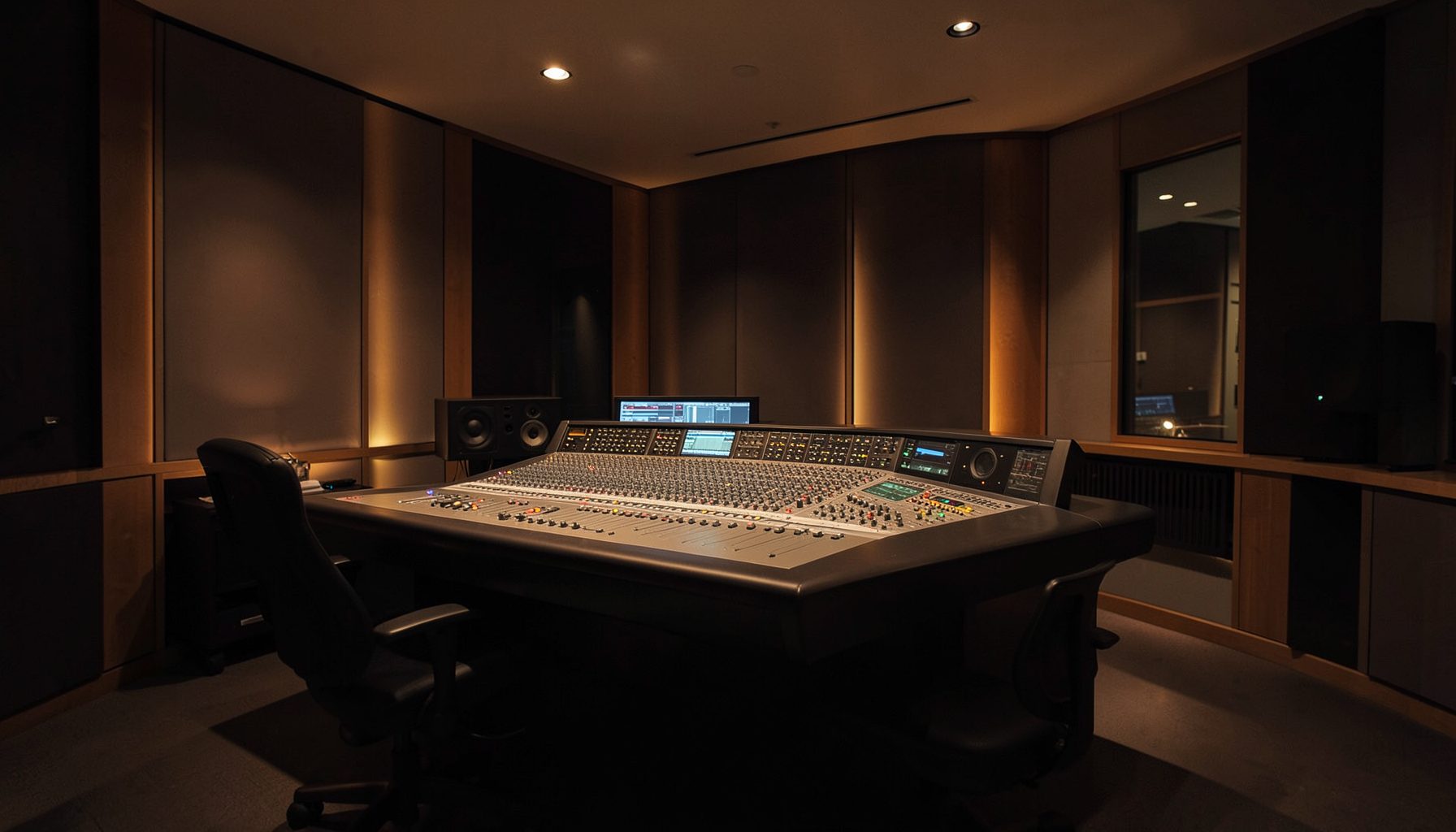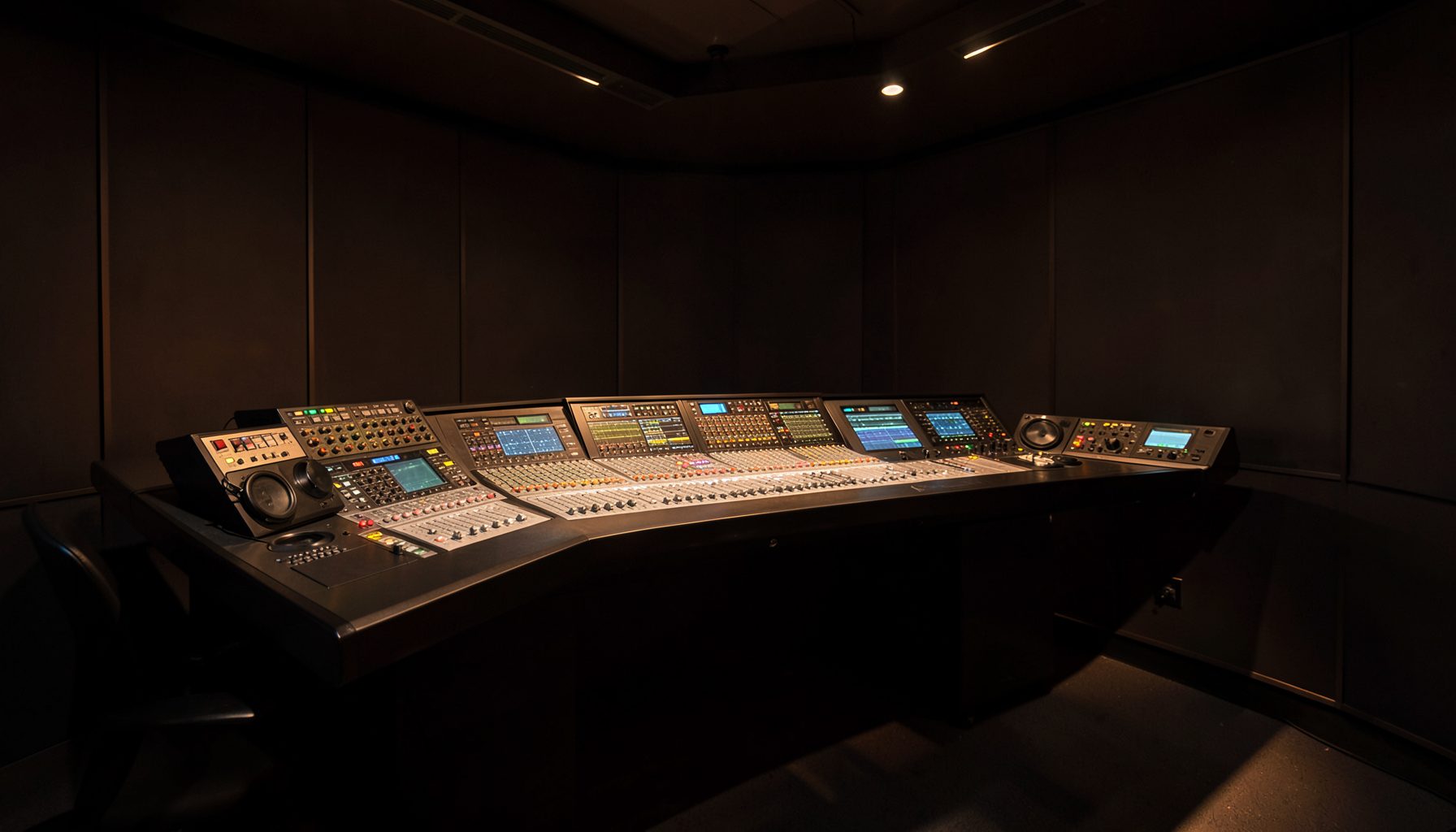
Shared RƎLAY Show Profiles for Multi-Host Radio Teams
A shared calendar of RƎLAY show profiles gives radio teams a practical way to coordinate presenter workflows without relying on local files, handwritten notes, or last-minute messages. Each host can open the correct profile for a programme, while producers retain a consistent structure for microphones, guests, music sources, beds, and routing.
This approach suits stations running breakfast, drive, talkback, sport, and overnight programming across different studios. It also supports hybrid teams, where one presenter may work from Sydney, another from Melbourne, and a relief host may operate from a smaller regional studio.
The strongest implementation combines a clear naming policy, permission controls, version discipline, and a calendar that reflects real broadcast operations. RƎLAY profiles then become reusable building blocks within a wider networked radio environment, alongside products such as Ruby consoles, Power Core audio nodes, and VisTool interfaces.
Define What A Show Profile Contains
A show profile should capture the operational settings a host needs before going to air. Depending on the station’s workflow, that may include microphone assignments, mix-minus feeds, telephone or codec sources, playout channels, monitor levels, talkback paths, and preferred screen layouts. It should also identify which elements are fixed and which may be changed by the presenter.
Avoid treating a profile as a complete programme rundown. The profile is better understood as the technical state for a particular show or segment. A breakfast profile might prioritise multiple microphones, remote interviews, and frequent studio contributions, while an overnight music profile could use fewer inputs and a simpler monitoring arrangement.
Build A Calendar That Matches Broadcast Life
Use calendar entries to represent actual programmes, recurring segments, relief shifts, and special events. A useful entry might include the show name, date, studio, presenter, profile version, and any exceptional routing requirement. Recurring entries should be reviewed before major schedule changes rather than copied indefinitely.
Australian stations need to account for time-zone differences and daylight-saving changes. Sydney and Melbourne may move between daylight-saving and standard time while Brisbane remains on Australian Eastern Standard Time. A shared calendar should display the station’s operating time clearly and avoid ambiguous entries such as “8 am local”.
Create A Naming And Versioning Standard
A concise naming system prevents hosts from selecting a similarly named but outdated profile. A pattern such as Station_Show_Studio_Date_Version can distinguish a weekday breakfast profile from a weekend replacement or an outside-broadcast configuration. Keep names short enough to read on a studio display.
Version control matters when a producer changes a phone hybrid, adds a guest microphone, or alters a mix-minus feed. Mark approved profiles clearly and archive superseded versions rather than deleting them immediately. This gives engineering staff a recovery path if a change causes trouble during a live programme.
Set Roles For Hosts, Producers, And Engineers
Not every user should have identical access. Hosts may need permission to select an approved profile and adjust presenter-level preferences. Producers may manage calendar assignments and programme metadata, while broadcast engineers retain authority over routing, device configuration, and profile publication.
A small community station may combine these roles across a few people, whereas a metropolitan operation may separate them formally. The principle remains the same: routine selection should be simple, while changes that affect transmission, recording, or outside feeds should require appropriate review.
Connect Profiles With Networked Studio Operations
RƎLAY profiles are most useful when they fit the station’s wider audio and control architecture. Networked resources can allow studios to share processing, sources, and control information without reproducing every device in every room. Lawo describes this broader approach through its broadcast portfolio, which spans audio, video, networking, and control technologies.
Before publishing a profile, test the complete signal path. Confirm that the presenter hears the intended mix-minus, remote guests receive the correct return feed, and recordings contain the required sources. For stations integrating communications and specialist links, RF intercom guidance can provide useful context when planning related Power Core workflows.
Test The Calendar Before Going Live
Start with a controlled pilot involving one studio and a small group of hosts. Test profile selection at the beginning of breakfast, during a handover, and after a simulated fault. Include common Australian operating conditions such as a regional contributor joining over a variable internet connection or a presenter switching between studios during a networked programme.
Document what happens when a profile is missing, locked, or assigned to the wrong date. The fallback may be a basic safe profile with standard microphone and monitoring paths. This is especially valuable during early-morning shifts, when fewer technical staff may be available and a presenter needs a dependable way to get to air.
Protect Metadata And Review Performance
A calendar can contain personal information about presenters, contractors, guests, and shift patterns. Stations should limit access to what each role requires and consider Australian Privacy Act obligations and the Australian Privacy Principles when storing names, contact details, or guest information. Calendar permissions should also be reviewed when staff leave or freelance contracts end.
After launch, review profile selection errors, manual overrides, failed handovers, and support calls. These measures show whether the shared system is reducing preparation time or simply moving confusion into a new interface. Regular checks should also cover daylight-saving transitions, public holidays, network maintenance, and schedule changes affecting Sydney, Melbourne, Perth, Brisbane, and regional services.
| Operational need | Recommended calendar treatment | RƎLAY profile practice |
|---|---|---|
| Recurring weekday programme | Use a repeating event with a named approved version | Keep presenter and routing defaults stable |
| Relief host or holiday cover | Create a dated exception with clear ownership | Use a tested relief profile rather than editing the main one |
| Outside broadcast | Add location, connection method, and return-feed notes | Publish a separate OB profile with verified monitoring |
| Networked programme | State the originating studio and local time | Confirm source, mix-minus, and talkback paths |
| Emergency fallback | Keep a visible backup entry or procedure | Maintain a simple safe profile for rapid recovery |
| Profile revision | Record date, author, and reason for change | Archive the previous approved version |
The goal is a calendar that reflects how people actually work: presenters select a known setup, producers coordinate the running order, and engineers control the technical foundation. With disciplined naming, local-time accuracy, permissions, and testing, shared RƎLAY show profiles can make multi-host radio more consistent without removing the flexibility live broadcasting demands. What the reader should remember is simple: treat each profile as an approved operational state, and treat the calendar as the trusted route to it.