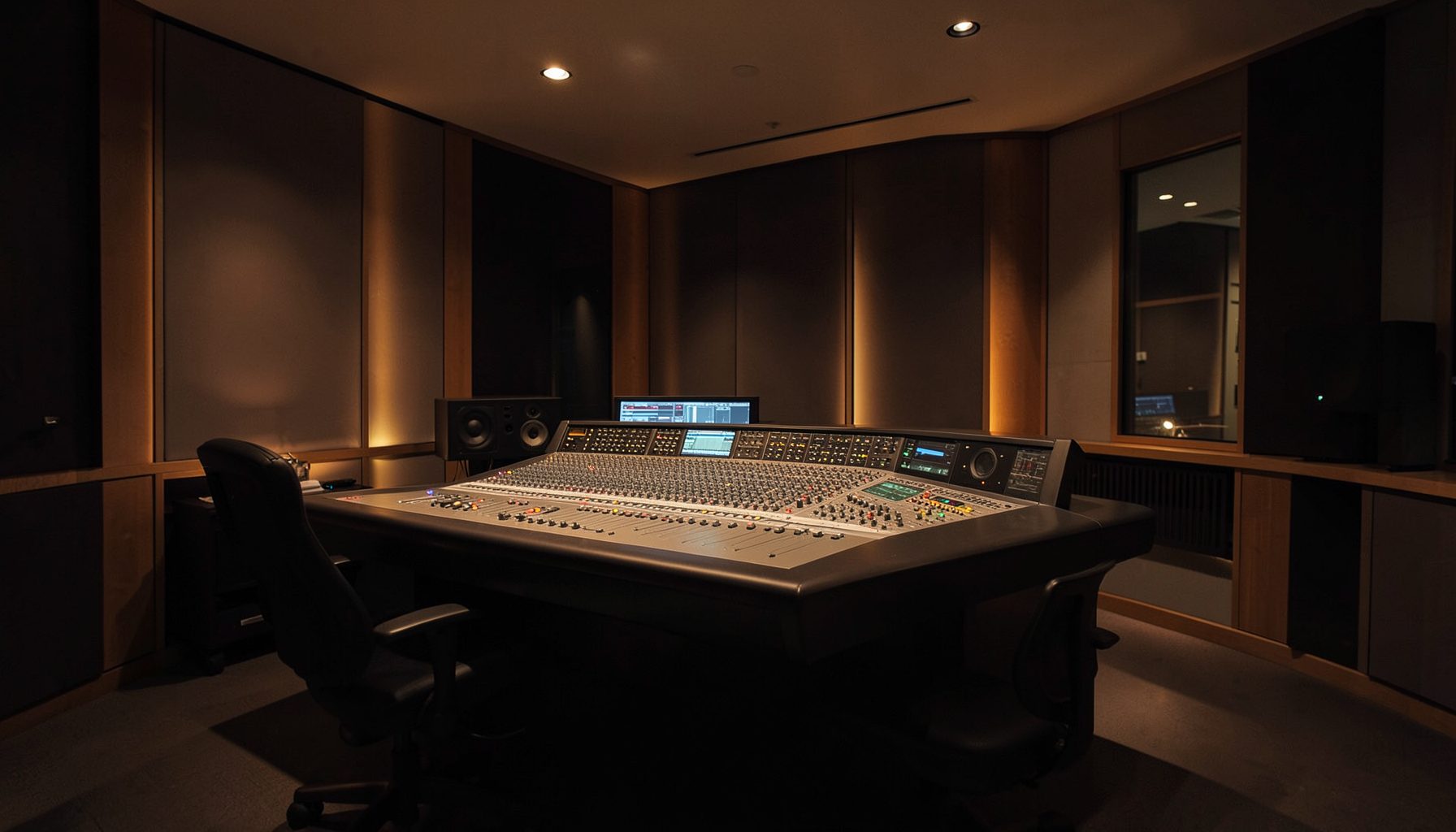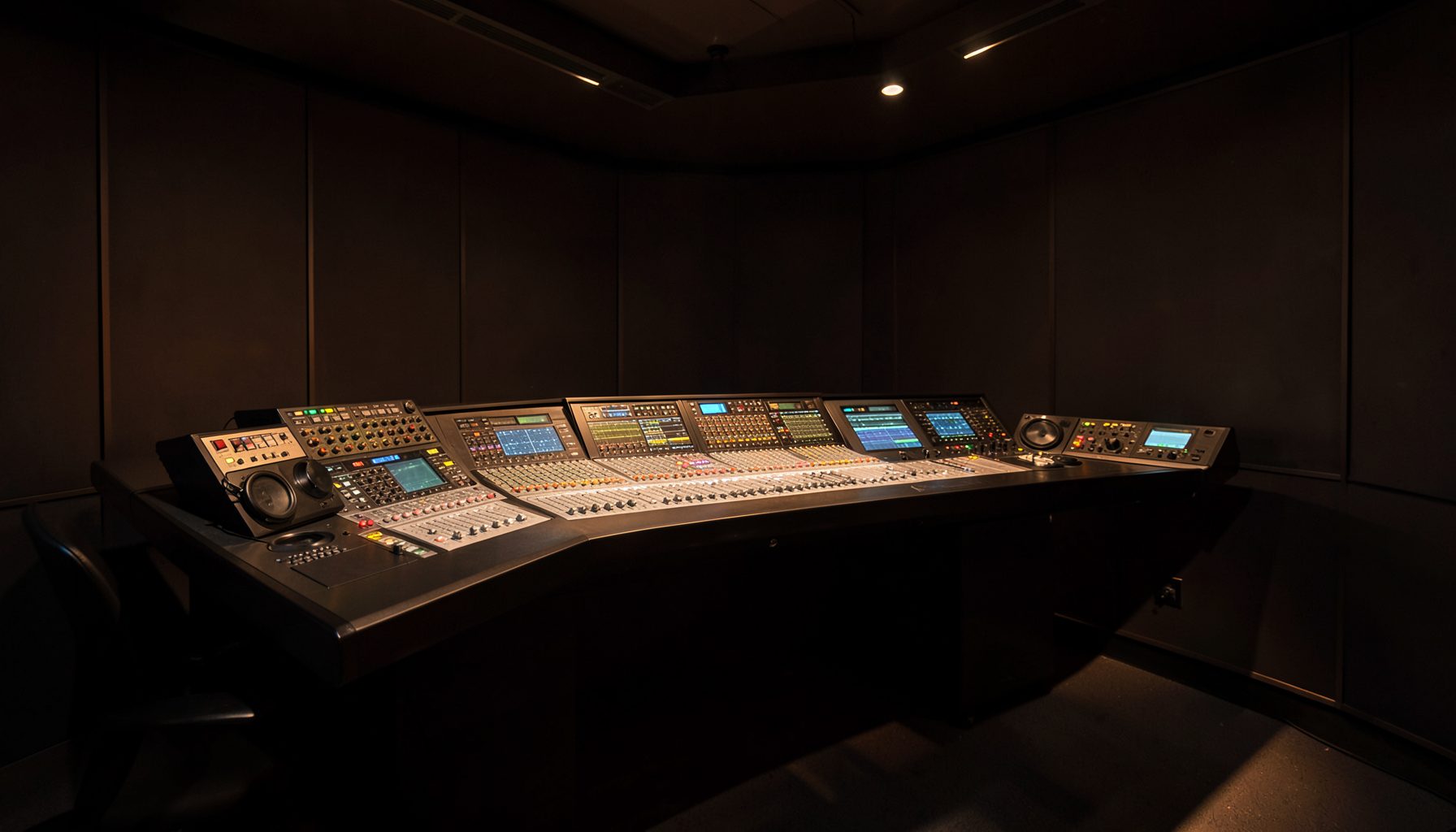
Designing a podcast desk with VisTool, Ruby and RƎLAY
Designing a podcast production desk with VisTool, Ruby and RƎLAY starts with treating it as a shared control surface rather than one large appliance. VisTool places routing, automation and production controls on the computer; Ruby provides tactile control for live decisions; RƎLAY supplies software-based radio processing. Hosts, producers and remote contributors can then work from one signal model without crowding a single interface.
A useful desk makes frequent tasks immediate: selecting a microphone, bringing up a caller, applying processing, making a clean recording, and routing programme audio to the recorder or transmitter. Routine show actions should stay visible, while advanced settings sit behind deliberate controls. This protects speed during a live segment and reduces accidental changes during editing.
Australian requirements add useful boundaries. A production may connect a host in Sydney with a producer in Melbourne, a guest in Brisbane and a regional station, making dependable remote contribution and clear talkback priorities. The local market includes commercial radio, ABC and SBS operations, community stations, independent producers and corporate podcast teams, so one desk must handle both simple interviews and busy live broadcasts.
Set the signal flow before choosing hardware
Begin with a mic-to-output signal-flow drawing, not a product list. Mark every microphone, wireless receiver, playback source, processing insert, recording feed, talkback route and programme output. This exposes unnecessary conversions and makes failures easier to diagnose before hardware reaches the bench.
Give each talkback and confidence feed a defined destination. A presenter should hear the mix without hearing a delayed copy of their own voice, while the producer needs a way to warn the studio without opening a guest microphone by mistake. Keep those paths separate from the published programme bus.
Recording needs an independent, clean source where possible. If the production computer fails, an engineer should still retain the raw interview material. Document the intended sample rate and headroom, and specify whether the final loudness target belongs to the broadcaster, podcast host or distribution platform.
Pair Ruby control with VisTool automation
Ruby suits the moments when hands are faster than menus: source selection, fader moves, cueing and talkback. VisTool studio software complements that surface with software routing, scene automation, clip handling and status visibility. Giving each function a home reduces hesitation, especially when a producer is operating the desk alone.
That relationship fits Lawo's broadcast technology range, where console, studio software, networked audio and radio processing are presented as parts of one broadcast workflow. A single naming and routing logic can therefore survive a move from a small production desk to a larger networked installation.
For a Melbourne studio or a Brisbane live room, physical controls can remain the primary interface while VisTool handles repeatable sequences such as microphone opening, clip playback and routing to recorder. Document colour, button and display conventions so temporary engineers can take over without a full training session.
Give RƎLAY a defined production role
RƎLAY is most useful when its role is defined before the show. Use its software-based tools for repeatable levelling, dynamics and protection, then establish presets for solo, interview, pre-recorded and live segments. Consistency gives producers a stable starting point without removing the judgement needed for speech.
Processing should improve intelligibility, not disguise a poor microphone or room. Check each insert in mono and stereo, listen at realistic headphone levels, and leave enough headroom for the final master. Keep a documented bypass route for troubleshooting, because a heavily processed feed is difficult to diagnose live.
The production plan should also protect the people on air. If a host reports vocal strain, the response is a break and qualified medical advice, not heavier compression; presenter medication guidance may help them understand options discussed with a clinician. Technical monitoring cannot diagnose or treat a medical condition.
Build resilience for Australian deployment
Resilience should follow the cost of interruption. Redundant network paths, UPS-backed power, spare microphones and a local confidence feed matter more than duplicated screens in a high-volume daily programme. Power Core audio nodes can place conversion and I/O away from the control position, reducing cable clutter while keeping central control.
For Australian installations, include freight and local integration in the budget rather than treating a rack delivery as the final cost. Imported equipment may attract 10% GST, customs duty and brokerage charges, while a metropolitan integrator may charge for travel to a regional site. Remote support can reduce some call-outs, but on-site commissioning remains valuable.
Compliance depends on where the audio goes. A feed destined for an AM, FM or DAB+ radio service in Australia involves the relevant ACMA licence and technical obligations; an on-demand podcast is a different distribution channel. Confirm the delivery specification with the broadcaster before setting limits, and retain an unprocessed master for audit and future republishing.
Choose the production model
Most teams should select a production model before finalising the equipment. The comparison below connects each model to a suitable control split and highlights the infrastructure that deserves budget priority.
| Production model | Best suited to | Control split | Priority infrastructure |
|---|---|---|---|
| Fixed studio | Daily live shows and multi-host radio | Ruby for live actions; VisTool for automation and routing | Redundant power, network and recording paths |
| Compact recorded | Interviews, narrated series and smaller teams | Minimal physical control; VisTool manages clips and routing | Clean analogue input, headphone monitoring and local backup |
| Distributed | National contributors and remote live inserts | VisTool-based remote control with talkback | Stable IP links, authentication, monitoring and failover |
The next step is to schedule a one-hour commissioning rehearsal using the real room, microphones and publishing chain, with every mic-to-recorder route drawn and labelled before the final hardware order.