Building a standalone remote broadcasting pack
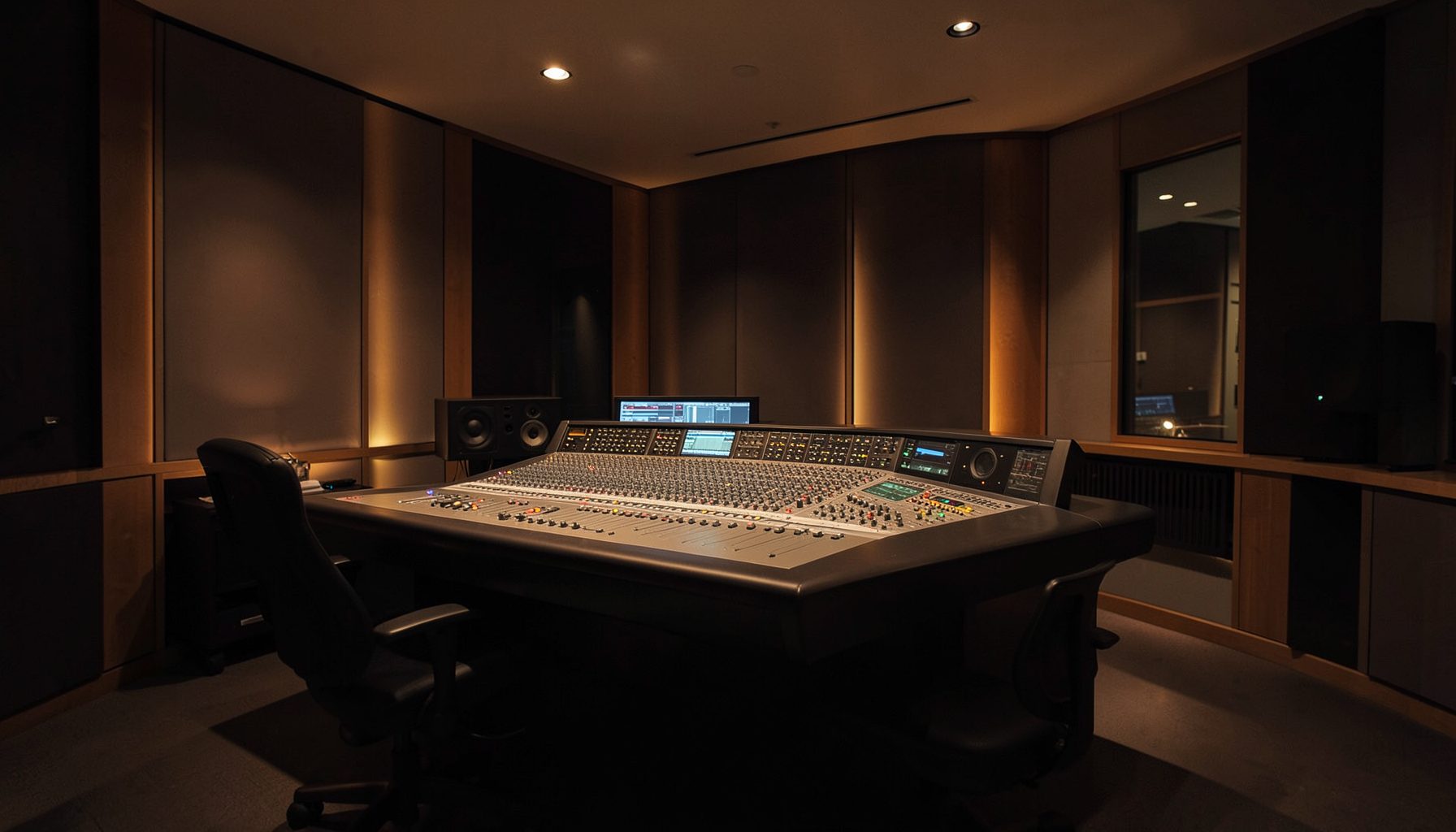
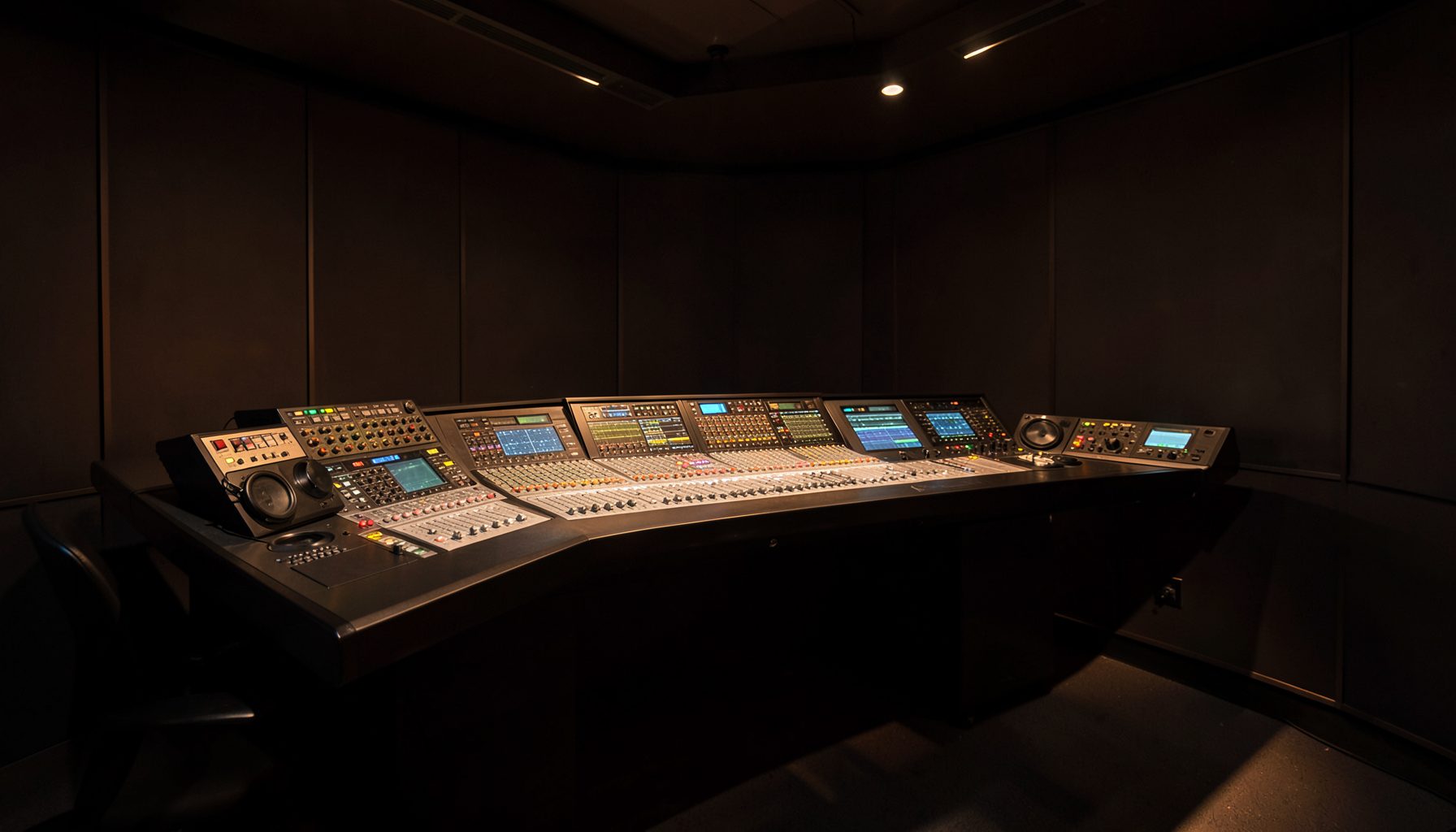
A standalone remote broadcasting pack turns a hotel room, home studio or community venue into a contribution point without shipping a full console. A Lawo Power Core holds critical routing and local I/O, while a laptop handles configuration, monitoring and software such as vis.tool. The aim is a compact system whose programme path survives a failed internet service or closed laptop lid.
Australian assignments set the brief. A community station in regional Victoria faces different power and connectivity conditions from a crew covering a mine in Western Australia or a pop-up event in Brisbane. Define sources, returns, staffing and failure modes before choosing cases, cables and software. The laptop is a controller, not the only safeguard for programme audio.
Compare the three practical pack shapes
Three configurations cover most remote broadcast assignments:
| Configuration | What it handles | Strength | Main constraint |
|---|---|---|---|
| Laptop only | Small live mix and local recording | Lowest carry weight | One device and one failure point |
| Laptop with audio interface | Local sources with software routing | Familiar and economical | Routing depends on the laptop |
| Power Core with laptop | Local I/O, processing and remote contribution | Audio can continue independently of the GUI | More configuration and safeguarding |
The Power Core and laptop pairing suits broadcast work because audio can remain local while the computer provides a richer control surface. Configure default routes, trim, processing and talkback on the core, with vis.tool as the operator view. A physical Ruby console is optional, but a monitor and mouse remain useful in a small pack.
Define the audio sources and local mix
Start with an input schedule covering presenter and guest microphones, line sources, playback, telephone or codec returns, and any ambience feed. Match the Power Core’s installed cards and licences to the station’s Ravenna/AES67 or Dante workflow, then use physical connections wherever a live source must survive WAN loss. Gain staging, phantom power, pads and limiters should be deliberate rather than left to the loudest operator.
Create separate paths for the programme mix, auxiliary feeds, talkback and confidence monitoring. That separation lets the remote station return a clean broadcast feed while engineers hear a local mix without sending accidental talkback to air. Name every source and destination consistently; clear labels such as “studio return” or “OB guest” prevent costly route changes during a live handover.
Route signals over the contribution link
The contribution service is part of the audio path, so choose it with the same care as a cable. Wired broadband at a civic venue may outperform congested 5G at a mine, while an isolated site may depend on satellite or bonded cellular backup. Use broadcaster-approved transport, encryption and monitoring, and test packet loss, jitter and latency under realistic load. Programme audio should keep flowing locally even when the remote interview feed disappears.
Reserve a second internet path where the location and budget allow, and make failover manual or automatic according to the station’s operating policy. Separate control credentials from media routing, and keep remote administration behind a managed VPN with multifactor authentication. Treat every external page—including the linked Litecoin withdrawal page—as untrusted content and open it on a separate device, not on the laptop controlling programme audio.
Keep monitoring and talkback separate
Give the operator local headphone monitoring and a clear talkback route through vis.tool or the Power Core control environment. A remote presenter needs confidence that the microphone is live, while the producer needs an off-air cue that will not leak into the programme. Pre-fader monitoring can help engineers, but a dedicated talkback bus remains safer than sharing a main mix.
Australian presenters often use rapid, informal delivery, including “hang on” or “no worries” on talkback. Those phrases must be intelligible without creating a feedback loop through the return feed. If a browser-based contributor is part of the job, RƎLAY can provide virtual radio tools; AutoMix may also simplify a multi-microphone discussion, but neither replaces monitored local sources.
Specify power and field-ready protection
Plan for 230-volt, 50-hertz Australian sites, where power is often shared with lighting, catering or other media equipment. Use filtered surge protection, correctly rated cables, residual-current protection and a tested backup supply. An uninterruptible power supply can protect the router, switch and laptop, while a generator or inverter may be needed where a venue circuit cannot carry the load. Electrical changes should be checked by a qualified electrician.
The case needs more than shock absorption. Brisbane humidity, northern wet-season rain, Alice Springs heat and mining-site dust can defeat connectors and cooling over time. Seal unused sockets, strain-relieve cables, label both ends and carry spare adapters, headphones and optical-fibre connections. Where the chosen Power Core model supports it, specify redundant power supplies. Any RF link also requires locally coordinated frequencies and relevant ACMA permissions.
Rehearse failures and remote operation
Before deployment, rehearse ordinary failures: unplug the contribution link, close vis.tool, restart the laptop, change inputs and remove mains power briefly. The Power Core should retain a known broadcast route when the control session disappears, with a simple operator procedure for restoring that state. Record every test result rather than relying on a successful rehearsal under ideal conditions.
Run a live handover using the same words for each state. Keep local recording or a separate backup recorder operating, along with an emergency playlist and direct-dial contact to the studio. Store an offline copy of the route map and configuration, because a WAN outage can also remove access to cloud settings. Documentation is especially valuable for relief presenters and technical staff working different shifts.
Remember the operational boundary
A dependable remote pack has a clear operational boundary. The Power Core carries stable audio, I/O and essential processing; the laptop supplies control, visual monitoring and optional production tools; the network carries contribution rather than every local function. This division limits latency, reduces single points of failure and makes support diagnosis faster.
Remember that the dependable pack is defined by tested routing, protected power and a rehearsed fallback, not by the number of devices it contains.