Building a portable broadcast kit with one Ruby and Power Core node
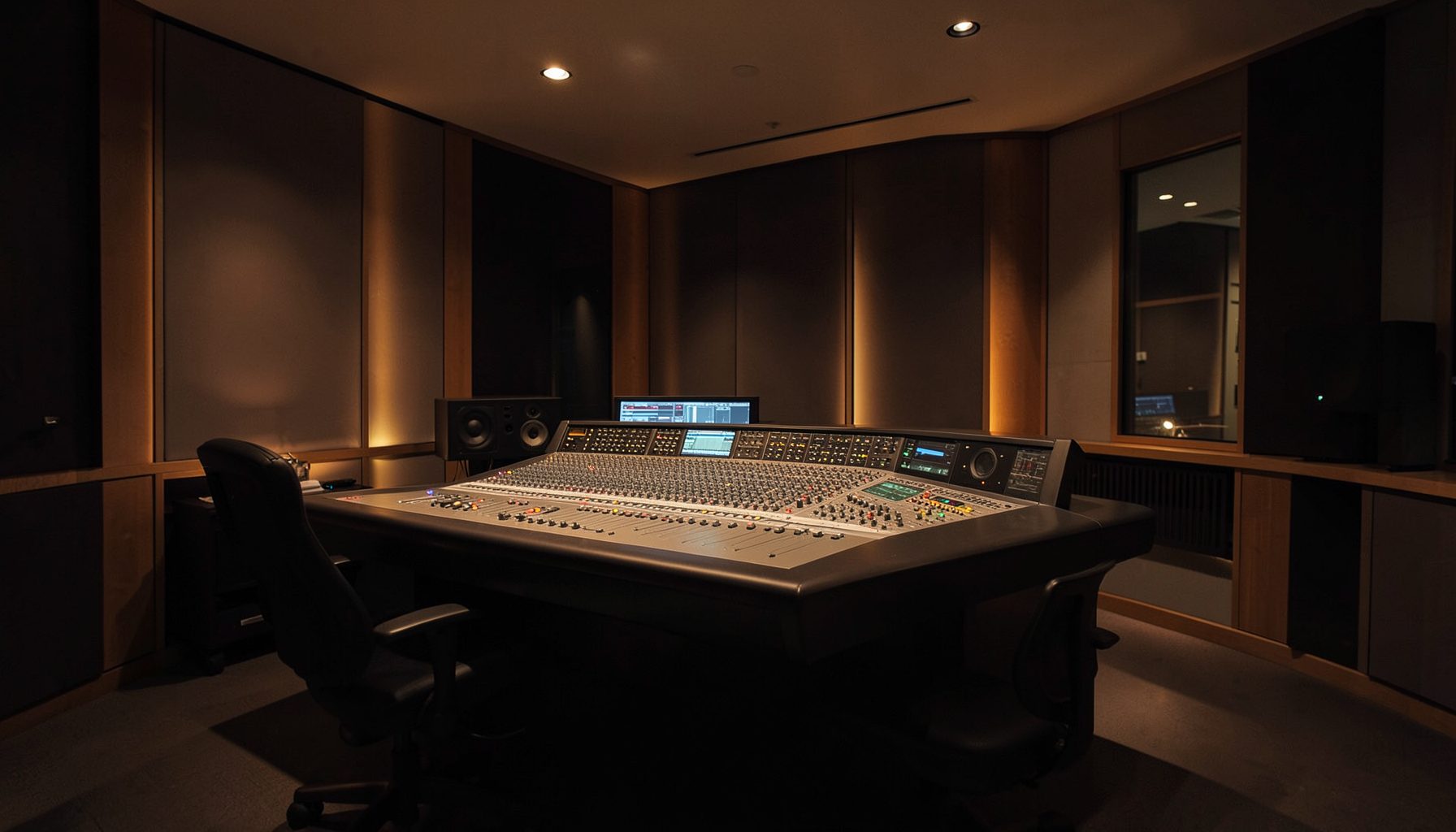
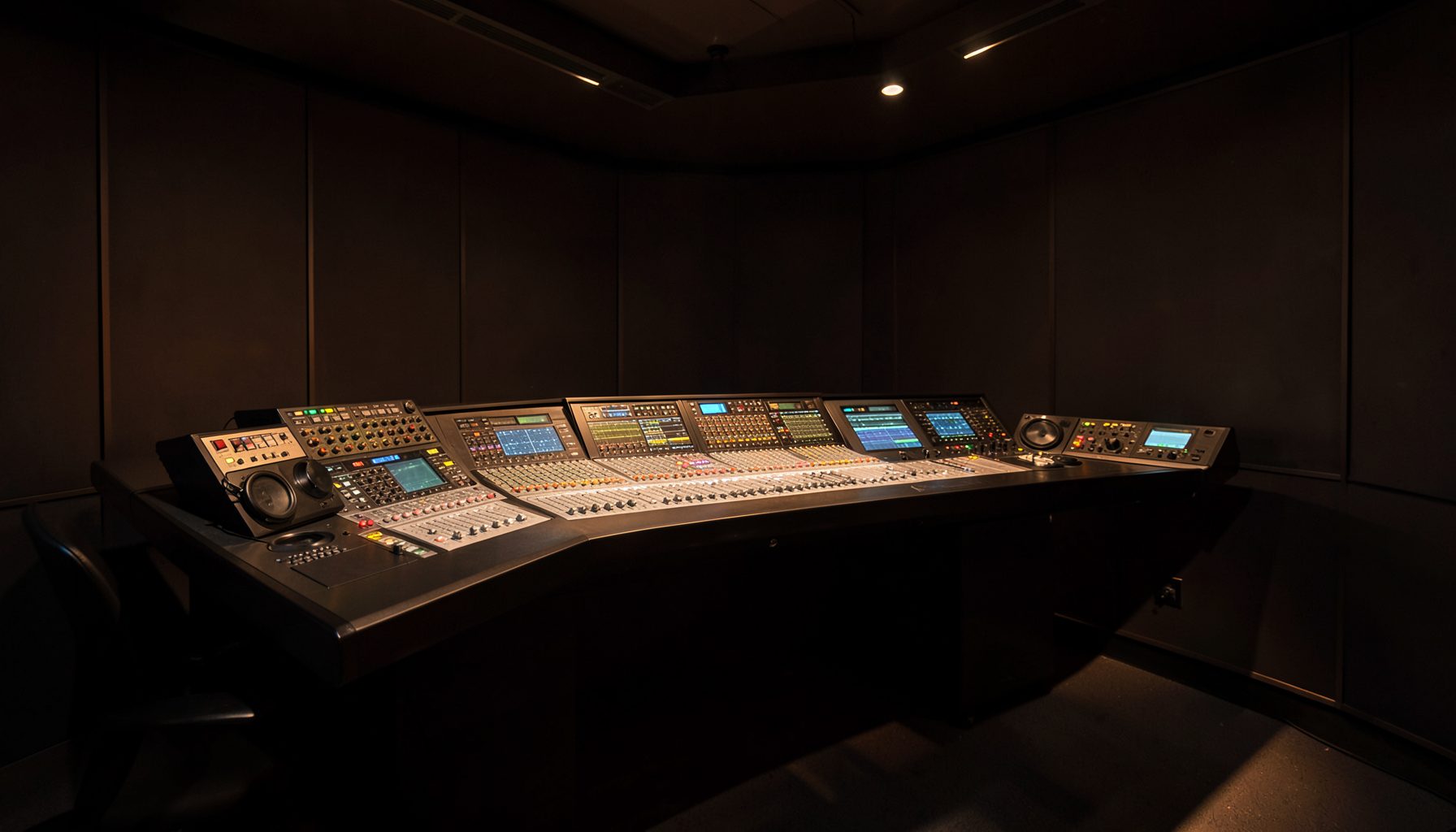
Regional Australia rewards clever packing. An outside broadcast crew covering community football in regional Victoria or a live session in Newcastle should carry less than a rack of separate boxes. Building a portable broadcast kit with a single Ruby and Power Core node creates a compact control centre: Ruby mixes while the node handles audio I/O and processing.
That simplicity is useful, not magical. It assumes programme audio, talkback, recording and contribution can share a managed network. It also leaves microphones, preamps, monitors, clocks, power and backup paths outside the core. Make those boundaries explicit before choosing cases and cables.
Australian conditions shape the design. Melbourne to regional Victoria, Sydney to Newcastle and Perth to Kalgoorlie can be short flights but demanding road jobs for lean crews. Brisbane humidity, inland heat and mining-site dust also call for tougher cases, careful cooling and disciplined cable hygiene.
The goal is fast setup, predictable gain and clean handover. Local systems integrators and distributors remain central to the Australian market, so the system should fit familiar commissioning and spare-parts plans. A kit a volunteer can operate after training is often more valuable than one with inaccessible features.
Define the signal path before packing
Ruby is the operator surface; Power Core is the central audio engine. Source feeds enter the node through the connections the production needs, while Ruby controls mixing, routing and available processing.
Divide the patch into programme, production talkback and communications, keeping them logically separate even when they share one node. Label both ends of every cable, record nominal levels and include hired preamps, headphone amplification, recorder feeds and transmitter interfaces in the handover diagram.
Configure the core for dependable operation
Use a managed switch with headroom for control and media. Give audio traffic priority where the site permits, isolate production laptops and store console configurations locally. A clean network is cheaper than debugging mystery routing in a car park.
One node remains a single point of failure. If the broadcast cannot stop, split source feeds to a protected recorder before the core, carry a bypass route and document how to switch to it. Redundant switches and power cannot protect against failure of the node itself.
Confirm clocking, sample rate and the venue’s AoIP or MADI format. Save a known-good show file containing gain, routing, processing and talkback assignments so the desk can be restored in minutes.
Match the configuration to the production
There is no universal portable configuration. Choose the smallest signal set that preserves the programme, a confidence return and an emergency route; add capacity only where the venue or client requires it.
| Production profile | Ruby role | Power Core role | Extra field support |
|---|---|---|---|
| Live two-host | Mix, talkback and automation | Programme I/O, routing and processing | Two preamps, headphones and protected recording |
| Recorded panel | Mic control and show recall | Processing and multitrack feeds | Extra inputs, timecode and local storage |
| Remote voice | Separate return and talkback mixes | Contribution routing and bridging | Managed link, backup voice path and test tone |
For live two-host work, prioritise an independent recorder feed and a clear red-light view; recorded panels need isolated inputs, timecode and multitrack outputs. Agree loudness, routing and sign-off with the commissioning engineer before the crew leaves base.
Let automation handle predictable level changes
For a panel or podcast, automatic level control can stop one host from dominating the mix. The AutoMix podcast workflow shows how Lawo’s automatic balancing reduces repeated fader moves while retaining manual control.
Set targets with the commissioning engineer and measure the finished programme rather than trusting one channel. Keep automation conservative: room reflections, chair rustle and a cough can resemble level changes, so rehearse with talkback and real speakers. The operator should still be able to pull a channel forward when an anecdote needs more presence.
Put engineer control on tablets
The console need not be the only control surface. A VisTool tablet walk-up gives an engineer touch control away from the desk, useful when checking a microphone in the room or adjusting a return while the presenter is live.
Keep tablets on a dedicated control network, issue individual accounts and limit their authority. The Ruby remains the physical fallback, with clear rules for temporary overrides. A compact handover sheet can use familiar crew language: “have a listen” for an audio check, “give us a level” for a monitor feed and “stand by” before a live mic opens.
Engineer for Australian road and remote work
Choose cases by measured weight and handle position. Foam, shock-mounted hardware and strain relief protect the system during long drives such as Perth to Kalgoorlie, while moisture control and passive cooling help with heat, humidity and dust.
Check the 230 V site supply, distributor protection and earthing before loading. Metro venues and mine sites can be busy across 2.4 and 5 GHz, so keep programme audio wired where possible, isolate control traffic and scan each site rather than assuming a familiar channel is free.
Remote work needs a return, talkback and a voice-grade fallback. Lawo RƎLAY virtual radio tools can extend suitable radio workflows to remote users, while VHDVLK broadcast connectivity is one managed IP option to assess against cellular blackspots and the venue’s own link.
Rehearse, pack and lock the handover
Run the kit as a complete show, not a collection of successful device tests. Check every microphone, talkback route, return, recording feed, emergency bypass and power-down sequence against the signal diagram, with the person who will operate the console present.
Label cases outward and inward, secure cables separately, and place the diagram, show file, spare patch lead and power checklist in a top pocket. Store the configuration with crew records, not on a personal drive.
For the next deployment, build the flight case with the node, Ruby, patched cables and labelled diagram, then run a ten-minute power-up, programme-audio and emergency-bypass test with the crew who will use it.